
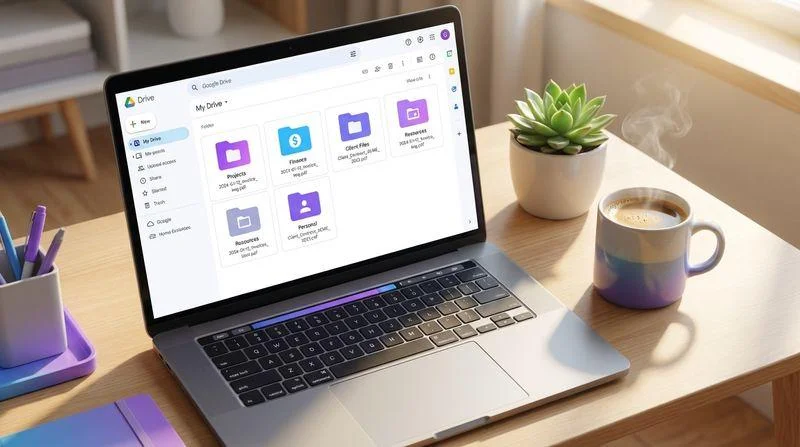
Cloud storage free plans let you save documents, photos, videos, and other files online without paying a monthly subscription. Several popular providers offer free accounts, but the amount of storage, security features, upload limits, and sharing options vary.
Some services provide 15 GB or more, while others offer smaller amounts with better privacy or file-sharing tools. The right choice depends on how much space you need and what you plan to store.
Here are seven cloud storage services worth considering if you want to keep your files online without paying.
7 Best Cloud Storage Free Plans
Before choosing a provider, compare its free storage allowance and the restrictions that come with it. A service offering more gigabytes is not automatically the best option for every user.
| Cloud Storage Service | Free Storage | Best For |
| Google Drive | 15 GB | Everyday file storage |
| MEGA | 20 GB | More free space and privacy |
| Microsoft OneDrive | 5 GB | Windows users |
| Apple iCloud | 5 GB | iPhone and Mac users |
| Dropbox Basic | 2 GB | File sharing |
| Box | 10 GB | Documents and collaboration |
| pCloud | Up to 10 GB | Personal file storage |
Storage allowances and features are based on provider information and published plan comparisons. Some amounts have conditions, so check the current terms before creating an account.
1. Google Drive: Best for Everyday Use
Google Drive is a practical starting point for people who want free online storage with easy access across different devices. Every Google Account comes with up to 15 GB of storage, which is shared between Google Drive, Gmail, and Google Photos.
You can upload documents, pictures, videos, PDFs, and other supported files. Google Drive also works with Google Docs, Sheets, and Slides, making it useful for students and people who regularly work with documents.
Its main advantage is convenience. You can open your files through a browser or mobile app and share documents with other people.
However, the shared storage limit can become a problem. Large email attachments, photo backups, and documents all use the same allowance. If you regularly upload videos or high-resolution photos, you may run out of space sooner than expected.
Best for: Students, everyday users, and people who already use Gmail and Google services.
2. MEGA: Best for More Free Storage
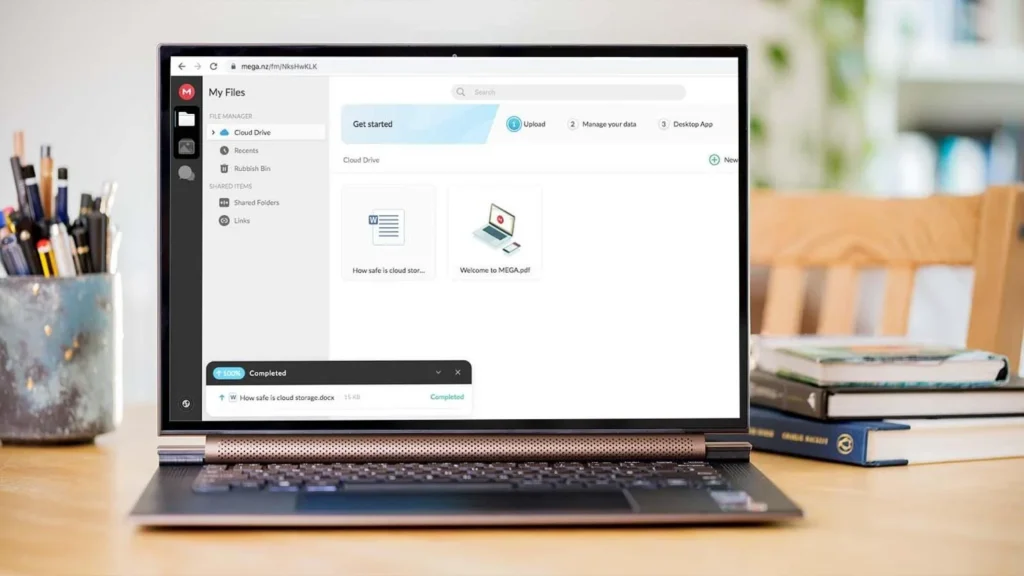
MEGA is worth considering if your priority is getting more free storage. Its free account is commonly listed with 20 GB of storage, making it one of the more generous mainstream options.
The service supports file uploads, downloads, folder organization, and sharing. It also offers end-to-end encryption, which helps protect stored information from unauthorized access.
One limitation is its transfer allowance. The amount of data you can transfer during a particular period may restrict large downloads or frequent sharing.
This is worth considering if you regularly send large videos, archives, or collections of photographs. Storage capacity and transfer capacity are two different things.
Best for: Users who want more free space and privacy-focused file storage.
3. Microsoft OneDrive: Best for Windows Users
Microsoft OneDrive offers 5 GB of free cloud storage with a Microsoft account. It works on Windows, macOS, iOS, and Android, so you can access files from different devices.
OneDrive is especially useful for people who already work with Microsoft Word, Excel, and PowerPoint. Its integration with Microsoft services makes saving and sharing documents straightforward.
It also supports photo backup and Personal Vault, which adds an extra identity-verification step for selected files.
The biggest drawback is the 5 GB storage allowance. Users who want to back up large photo libraries or multiple devices may need additional space.
Best for: Windows users, Microsoft Office users, and people who frequently work with documents.
4. Apple iCloud: Best for iPhone and Mac Users
Apple iCloud provides 5 GB of free storage when you sign in with an Apple Account. It helps keep photos, documents, device backups, and other information available across Apple devices.
For someone who uses an iPhone, iPad, and Mac, iCloud is convenient because it is built into Apple’s software. You can also access supported files through iCloud.com.
Its biggest disadvantage is the limited free allowance. Device backups, photos, and other iCloud data can consume the available space quickly.
For example, someone who takes many photographs and enables automatic backups may reach the storage limit without uploading many separate documents.
Best for: iPhone owners, Mac users, and people who want automatic syncing within Apple’s ecosystem.
5. Dropbox Basic: Best for Sharing Files
Dropbox Basic gives users 2 GB of free storage. Although this is less than several competing services, Dropbox is known for straightforward file synchronization and sharing.
You can access files through its website, desktop software, and mobile applications. It also supports shared links, allowing other people to view or download files without creating their own Dropbox accounts.
The main disadvantage is the small storage allowance. It may be sufficient for important documents and a few smaller files, but it is not ideal for storing a large collection of videos or photographs.
Best for: People who frequently share documents and need simple file synchronization.
6. Box: Best for Documents and Collaboration
Box offers 10 GB of free storage through its individual plan. It supports document storage, file sharing, and collaboration, making it useful for people who regularly exchange work files.
One restriction deserves attention: the free individual plan has a 250 MB maximum upload size per file. It also provides access to only one file version.
That means Box may not be the right choice for someone who regularly uploads large videos or needs extensive file-version history.
For ordinary documents, PDFs, and smaller project files, however, its free allowance can be useful.
Best for: Personal document storage and basic collaboration.
7. pCloud: Best for Flexible Personal Storage
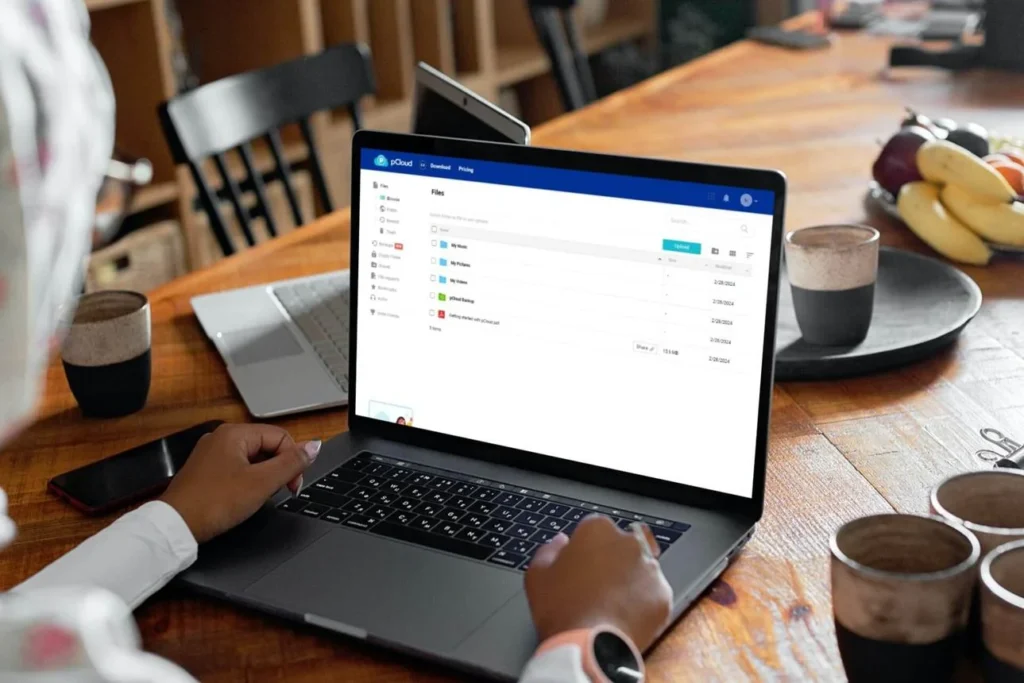
pCloud offers a free Basic account with up to 10 GB of storage. However, new users initially receive 2 GB and can unlock additional space through account setup activities and referrals.
The service supports file synchronization, sharing, and access across different devices. It can be useful for keeping personal documents, photographs, and other files in one online location.
One detail to understand is that the full 10 GB is not automatically available to every new account. You need to complete the available steps to unlock additional space.
Best for: People who want flexible personal storage and are comfortable completing the steps required to earn additional space.
How to Choose the Right Free Cloud Storage
The best provider depends on your storage habits, devices, and privacy requirements. Before signing up, think about what you want to save and how frequently you need to access it.
1. Check the Actual Storage Allowance
Start by checking how much free space is available immediately after registration. Some services advertise a maximum allowance that requires additional steps to unlock.
Also check whether the quota includes email, photographs, device backups, or other services. This can make a significant difference to the amount of space available for your files.
2. Consider Privacy and Security
Look for encryption, two-factor authentication, account recovery options, and secure file-sharing settings.
End-to-end encryption is particularly useful when you want to keep private files away from unauthorized access. Proton Drive is another option worth researching if privacy is your main concern. Its free plan includes 5 GB with end-to-end encryption.
3. Check Device Compatibility
Your storage service should work with the devices you use regularly.
For example, iCloud is convenient for Apple users, while OneDrive is a natural option for Windows users. Google Drive and MEGA are suitable alternatives when you need access across multiple platforms.
4. Understand File-Sharing Limits
If you regularly send large files, check maximum upload sizes, shared-link restrictions, and transfer allowances.
A service may offer plenty of storage but still restrict how much data you can download or share within a given period.
What Happens When You Run Out of Free Cloud Storage?
Running out of cloud storage can interrupt everyday activities. Depending on the provider, you may no longer be able to upload new files, synchronize changes, or create additional backups.
For example, Google warns that when an account exceeds its storage quota, services such as Gmail, Google Drive, and Google Photos can be affected. Apple also explains that iCloud backups and new photo uploads may stop when available storage runs out.
Here are some practical ways to manage the problem:
- Delete duplicate photographs and unnecessary documents.
- Remove large videos and old downloads that you no longer need.
- Empty the trash or deleted-files folder where applicable.
- Download important files to an external hard drive.
- Move older documents to another storage provider.
- Upgrade your account if you regularly need more space.
Before deleting anything, make sure you have another copy of important files. Removing a file from a synchronized folder can also remove it from other connected devices.
Can You Use Multiple Free Cloud Storage Accounts?
Yes. You can create accounts with different providers and use their free allowances separately. This can be a practical way to store more files without immediately purchasing a subscription.
For example, you could use Google Drive for school documents, OneDrive for Microsoft Office files, and MEGA for larger personal files.

However, managing several accounts requires some organization. You should know where each file is stored and keep your login details secure.
A simple folder structure can help:
- Documents: Google Drive
- Work files: OneDrive
- Private files: Proton Drive
- Shared files: Dropbox
- Additional personal storage: MEGA
Avoid treating several free accounts as one automatic backup system. If a file exists in only one location, an account problem or accidental deletion could still result in data loss.
Are Free Cloud Storage Services Safe?
Most established providers use security measures such as encryption, account authentication, and secure connections to protect users’ files. However, security features differ between services.
For sensitive information, check whether the provider offers end-to-end encryption. With this protection, files are encrypted so that the service provider cannot normally read their contents.
You should also:
- Enable two-factor authentication wherever available.
- Use a strong, unique password for every account.
- Avoid sharing private files through public links.
- Keep a separate copy of important documents.
- Review which applications and people have access to your account.
Remember that cloud storage is not always the same as a complete backup solution. Synchronization keeps files consistent across devices, but unwanted changes or deletions may also synchronize.
For important photographs, personal records, and work documents, maintain another copy on an external drive or a separate backup service.
Which Free Cloud Storage Plan Should You Choose?
If you mainly store everyday documents, Google Drive is a sensible starting point because of its 15 GB allowance and productivity tools.
MEGA is worth considering if you want more free storage, while Proton Drive is a better option to investigate when end-to-end encryption is your priority. Windows users may prefer OneDrive, and Apple users will probably find iCloud more convenient.
There is no single service that suits everyone. Compare the actual free allowance, upload restrictions, privacy features, and device compatibility before choosing.
The best cloud storage free plans are the ones that give you enough room for your files without creating unnecessary restrictions or making your data difficult to manage.