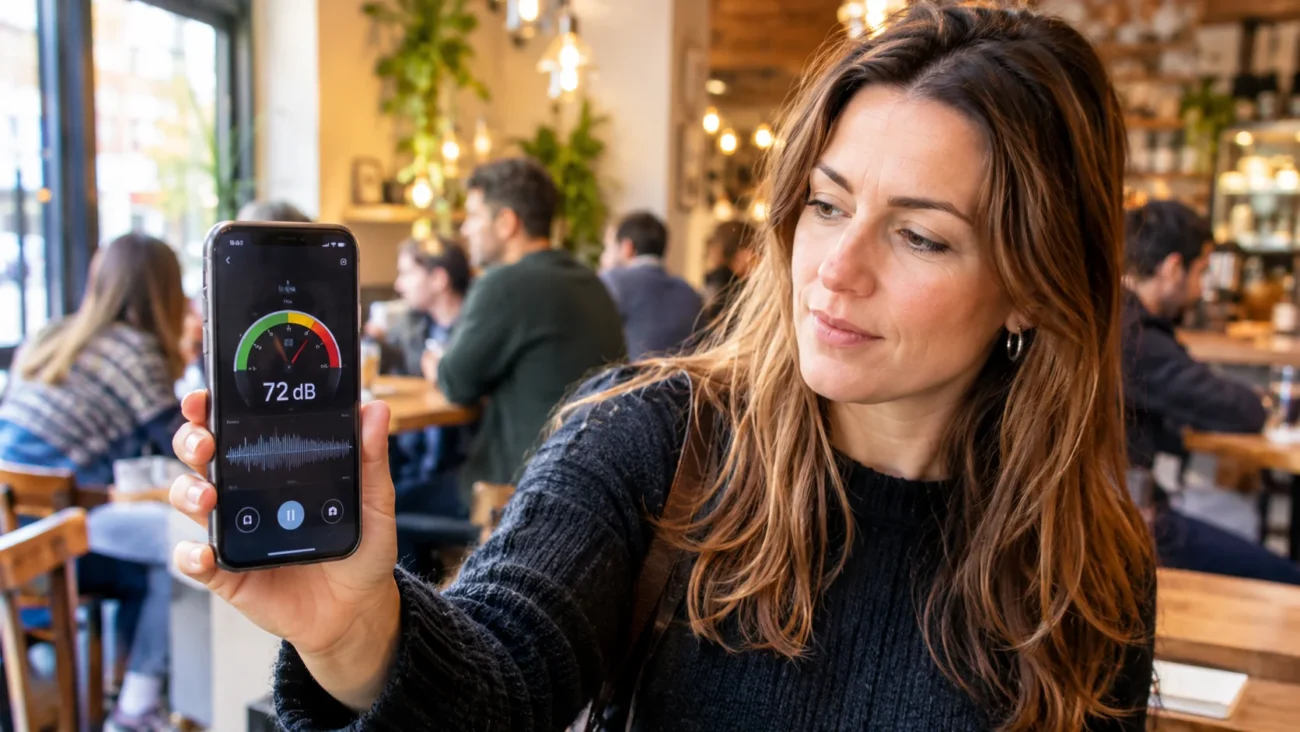
The best noise meter apps right now are the free NIOSH Sound Level Meter for iPhone, Decibel X if you need one app on both platforms, and SPLnFFT for audio work. Android has no lab-verified option, so treat any Android reading as an estimate. Whichever you pick, a phone app can show that a room is loud, but it cannot replace a calibrated meter for legal or workplace compliance.
This guide ranks apps by how much evidence backs their accuracy, then by features. That order matters, because a noise meter app is only useful if you can trust its number. Below you will find picks for each situation, a five-minute accuracy check, and clear limits on what phone readings can prove.
Quick Picks by Situation
| Need | App | Platform | Cost |
| Most trusted free iPhone option | NIOSH Sound Level Meter | iOS | Free |
| One app on both platforms | Decibel X | iOS, Android | Free, paid add-ons |
| Audio and live sound work | SPLnFFT Noise Meter | iOS | Paid |
| Hearing test and photo overlay | Decibel Pro | iOS | Free listing, check in-app purchases |
| Free Android option | Sound Meter and Noise Detector | Android | Free, ad-supported |
| Choosing a quiet restaurant | SoundPrint | iOS, Android | Free |
| Classroom volume control | Too Noisy | iOS, Android | Free tier, paid Pro |
Prices and in-app purchases change often, so check each store listing before you pay.
How Accurate Are Decibel Meter Apps on Phones?
In 2014, researchers at the National Institute for Occupational Safety and Health (NIOSH) tested 192 sound measurement apps across iOS and Android. Only 10 met their selection criteria, and only 4 landed within 2 decibels of a Type 1 professional meter. The team also found that iOS apps were more advanced than Android apps in both function and performance.
That result explains why most picks below are iPhone apps. According to the CDC, iOS devices share a common hardware and software design built for audio, so an app verified on one iPhone should behave similarly on another. Android phones come from many makers with different microphones and audio processing.
Later NIOSH work tested external microphones that can be calibrated, because the built-in microphone limits accuracy. The CDC itself recommends an external calibrated microphone for better results.
Best Noise Meter Apps Reviewed
1. NIOSH Sound Level Meter for iPhone
This is the best free noise meter app for iPhone owners, and the one to install first. NIOSH built it with EA LAB, and the agency reports it was tested in the NIOSH acoustics laboratory and met the study’s criterion of being within 2 dB of a Type 1 reference meter. It is free, shows A-, C-, or Z-weighted readings, and tracks noise dose as a percentage of the daily limit.
The catch is scope. NIOSH states the app does not comply with any national standard, and the CDC advises against using it for compliance work. It also runs only on iOS.
2. Decibel X for iPhone and Android
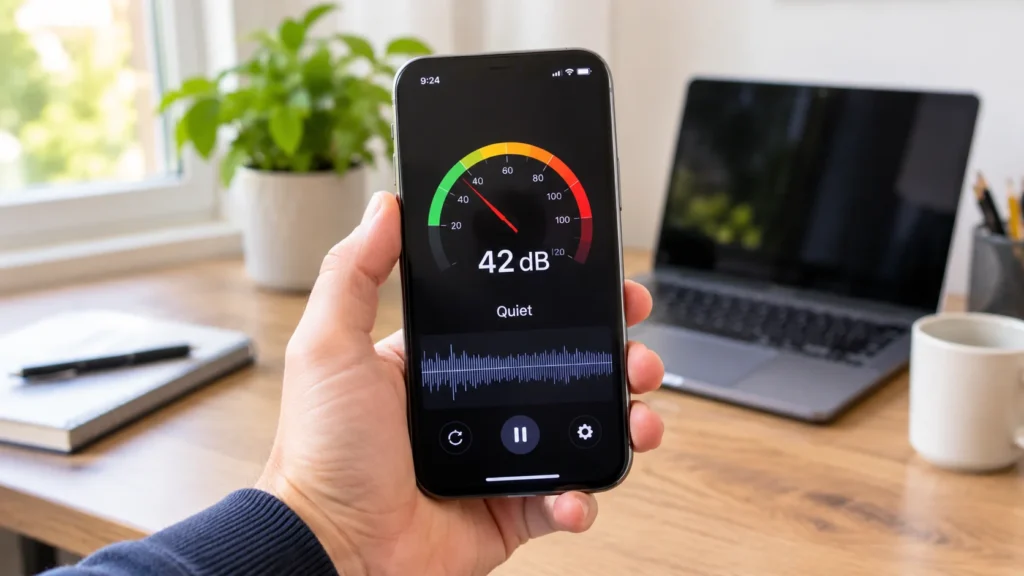
Decibel X is the easiest recommendation when your household has both iPhones and Android phones. It shows live readings, a graph, and your average exposure over time. Its listed range runs from about 30 dB to 130 dB, so a quiet room will read near 30 instead of zero.
Accuracy claims come from the developer, and I could not find an independent lab test. Some features sit behind paid upgrades, so read the store listing before you count on a specific export or weighting option.
3. SPLnFFT Noise Meter for Audio Work
SPLnFFT is an iPhone app that appears in NIOSH-linked research alongside NoiSee and SoundMeter, which makes it one of the better-documented paid choices. It adds a frequency analyzer, which helps when you are setting up a PA system or a recording space. It costs a few dollars, so check the current App Store price.
4. Decibel Pro for Hearing Awareness
Soundly’s audiologist-written list names Decibel Pro its best overall pick. The app reads sound levels, includes a hearing test, and can overlay a reading on photos and video. That overlay is useful when you want to show a landlord or coworker what a room was like at the time.
5. Sound Meter and Noise Detector for Android
For a free decibel meter app on Android, Sound Meter and Noise Detector from Coocent shows live levels and a history log with everyday reference sounds like busy streets. Krisp’s roundup notes that it runs with the screen light off to save battery, and that it shows a lot of ads. Because NIOSH cannot verify any Android app in its lab, use it to compare rooms, and do not use it to prove a number.
6. Apps That Count Noise Without Measuring It
SoundPrint is a crowd-sourced database of venue noise levels, useful before you book a restaurant. Too Noisy, built for classrooms, shows a smiling face when volume stays under a teacher’s limit and sounds an alarm if it stays over for more than 3 seconds. Neither is a calibrated meter, and neither claims to be.
Why Android Readings Are Harder to Trust
NIOSH built its app for iPhone only and says verifying an Android app’s accuracy in its laboratory is not currently possible. The reason is variety. Different microphones and audio chips change how loud sound is captured and processed.
Phone microphones are designed mainly for voice, so many struggle with very loud, sudden sounds such as fireworks or a power drill. A reading that stalls below the real level is the worst kind of error, because it makes a loud place look safe.
If you use Android, run the five-minute check below on your own phone. Trust comparisons between rooms more than any single number.
How Loud Is Too Loud for Your Ears?
NIOSH recommends keeping exposure to 85 A-weighted decibels (dBA) over an eight-hour day. Every 3 dB increase halves the safe time, so 88 dBA allows about four hours, 91 dBA about two hours, and 100 dBA about 15 minutes.
OSHA’s enforceable workplace limit is 90 dBA over an eight-hour day, and it uses a 5 dB exchange rate, so allowed time shrinks more slowly. Under OSHA, 100 dBA is permitted for about two hours. That gap is why a workplace can meet the legal limit and still exceed NIOSH’s health-based advice.
When your app shows a dose percentage, find out which rule it uses. The two standards give different answers for the same noise.
A Five-Minute Accuracy Check for Any App
You do not need lab gear to catch a bad app. Try this before you trust any reading.
- Check the quiet floor. In a closed, quiet room, the app should read around 30 dBA. An app showing 0 is not measuring silence.
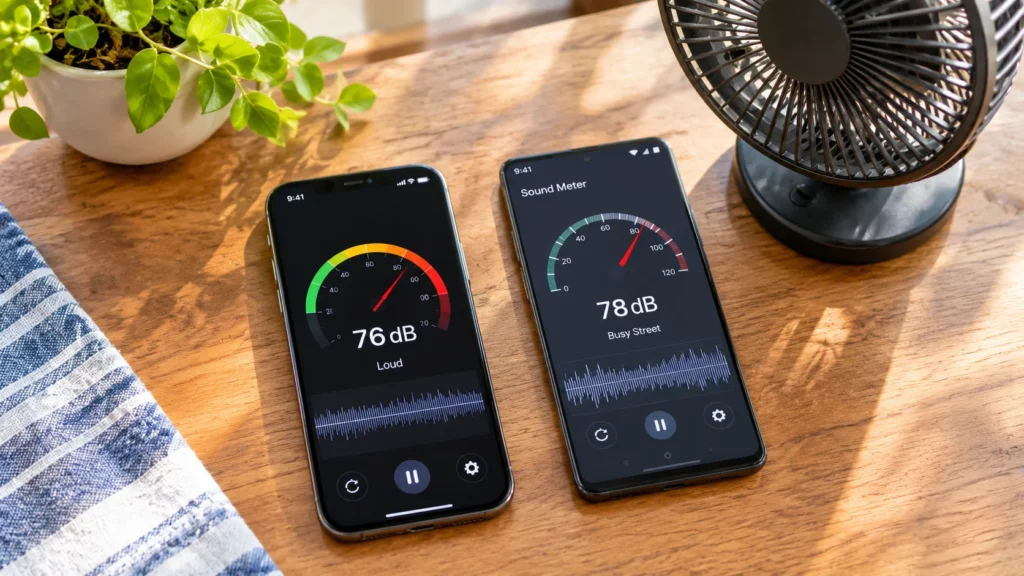
- Compare two apps side by side. Set both to A-weighting and slow response, place the phones next to each other, and look at the gap. A difference of more than a few decibels means at least one app is off.
- Use a steady sound. A running fan or vacuum should give a steady reading over a minute. Wild swings point to handling noise or phone processing.
- Prepare the phone. Remove the case, hold the phone at arm’s length, and keep your thumb off the microphone opening.
- Repeat the test. Take three readings and use the average.
If you need better than this, a calibrated external microphone that plugs into the phone is the next step.
Which App Fits Your Situation
1. Neighbor and Apartment Noise
Consistency beats precision here. Measure from the same spot, with the same settings, at set times, and write down the date, duration, and average and peak levels. Photo or video overlay adds context. A log like this supports a written complaint, but it will not stand in for a certified measurement if the dispute escalates.
2. Concerts, Gyms, and Headphones
For a loud night out, any noise level app for iPhone above will show whether you are near 100 dBA. The Health app on iPhone also has Hearing and Headphone Notifications that flag loud listening with no extra install, and Apple Watch can alert you when your surroundings get loud.
3. Workplaces and Job Sites
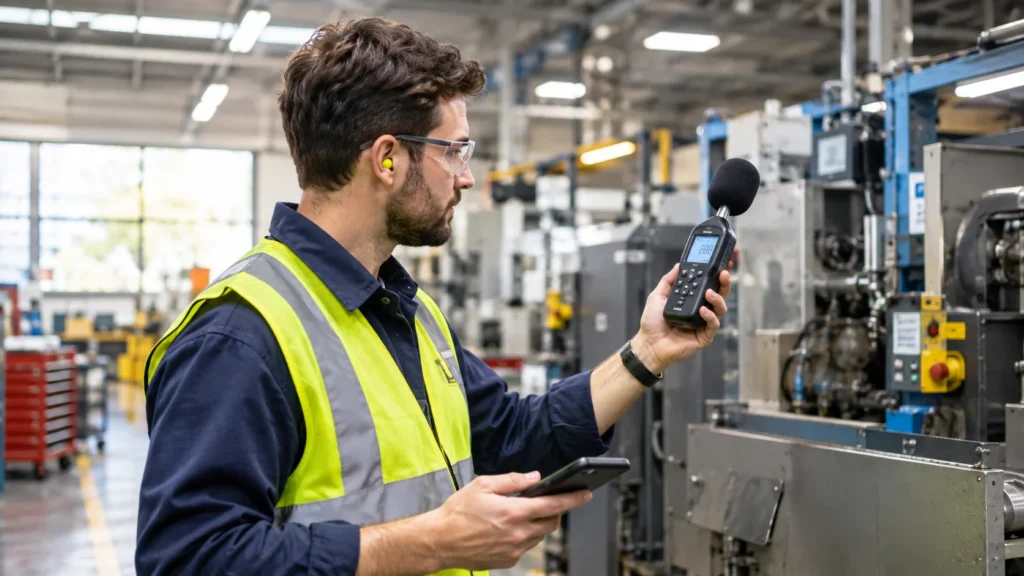
Use the NIOSH app to spot loud areas that deserve a proper survey. Compliance work needs calibrated instruments, so treat the app as a screening tool.
When a Phone App Is Not Enough
NIOSH tells users the app is not a substitute for a professional sound level meter or a dosimeter. Professional meters must pass a set of acoustic and electrical tests to meet national standards, and NIOSH states that no smartphone app has met that bar.
If your measurement will go to a court, an insurer, or an inspector, hire an industrial hygienist or buy a calibrated Type 2 meter with a current calibration certificate.
Start with the NIOSH app if you own an iPhone, or Decibel X if you need to cover both platforms. Whichever of the best noise meter apps you install, run the quiet-room check first and treat the number as an estimate. Hearing damage from noise is permanent, so when readings sit near 85 dBA, protect your ears first and argue about accuracy later.