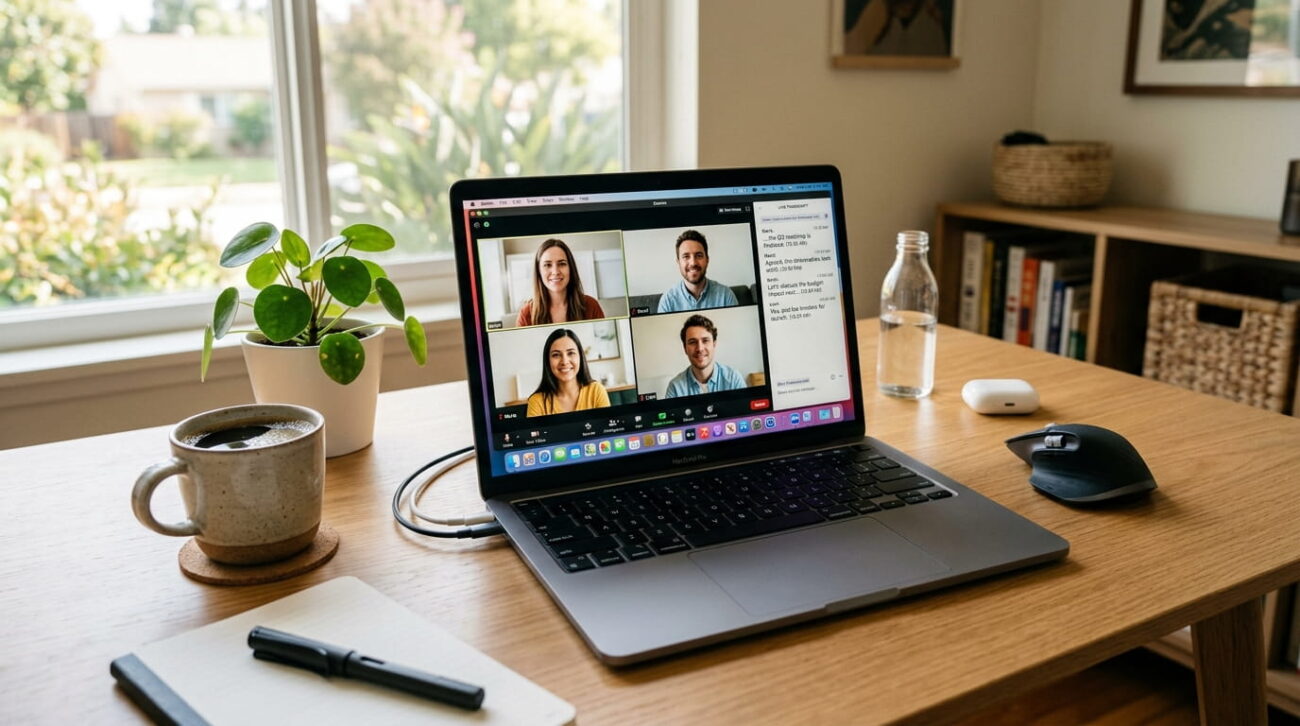
The best AI note taker turns a rambling meeting into a clean transcript and a list of action items. That sounds simple, but the tools behave very differently once you look past the marketing page. Some join your call as a visible bot. Others record silently from your device and never announce themselves. Some hand you unlimited transcripts for free and quietly ration the AI summaries you actually wanted. Others cap the free plan at a fixed number of meetings for the life of your account, not per month.
I tested the leading options across video calls, phone conversations, and in-person meetings. The goal was to see which ones hold up once the free trial excitement wears off. Here is what separates a genuinely useful AI note taker from one that just looks good in a screenshot.
What to Look for in an AI Note Taker
Before comparing individual apps, it helps to know which features change your day-to-day experience the most.
A visible bot announces itself by name to every participant. That is fine for internal syncs, but it can feel intrusive on a client call. Some IT policies also block third-party bots outright. Bot-free tools record audio directly from your device instead, so nothing joins the call as a separate participant.
Transcription accuracy matters most on fast, multi-speaker calls, not quiet one-on-ones. A tool that nails a single-speaker recording can still stumble once three people talk over each other.
Language support varies a lot. Some apps handle dozens of languages well. Others are built almost entirely around English, which matters if you work with international clients.
Free plans rarely advertise their real limit. One tool might cap total recording minutes. Another might cap the number of AI summaries instead. A third might cap the lifetime number of meetings rather than resetting monthly.
The Best AI Note Takers, Ranked
These six stood out across accuracy, pricing, and how much friction they add to an actual workday.
1: Otter.ai: Best for Real-Time Transcription
Otter has been in this space the longest, and it shows in how polished the live transcript feels. Words appear almost as fast as people speak, and accuracy on clear English audio is genuinely strong. A calendar-based bot joins scheduled calls automatically, which is convenient until a participant asks who it is. Otter’s biggest limitation is language support, since it covers only a handful of languages rather than the dozens some rivals support. It suits English-speaking teams over global ones.
2: Fathom: Best Free Recording Allowance
Fathom’s free plan is generous on the part most tools restrict first, which is recording. You can capture and transcribe an unlimited number of calls at no cost. The catch shows up on the summary side. The free tier only generates a limited number of AI summaries each month, then reverts to a plain transcript. For a light user doing a couple of calls a week, that ceiling barely matters. Fathom also has no dedicated mobile app.
3: Fireflies.ai: Best for Searchable Meeting History
Fireflies is built for teams that need to search across months of past calls, not just review the most recent one. Cross-meeting search, topic tracking, and talk-time analytics go well beyond a basic transcript. It supports well over a hundred languages, one of the widest ranges in this category. The trade-off is pricing structure. Advanced features often run on separate usage credits instead of a flat fee. The real monthly cost can climb higher than the sticker price suggests.
4: Granola: Best Minimalist, Bot-Free Option
Granola skips the visible bot entirely and captures audio straight from your device while you jot a few notes. Afterward, it expands your shorthand into a structured summary. The interface is calm and distraction-free, which is the whole appeal. The trade-off is scope. Granola does not save the underlying audio, so you cannot go back and verify exact wording later. Its free plan is also capped by a lifetime meeting count rather than a monthly reset.
5: tl;dv: Best for Video-Heavy Teams
tl;dv focuses on video calls across Zoom, Google Meet, and Microsoft Teams. Its free plan includes unlimited video recording rather than a short trial window. It offers both a traditional bot and a bot-free desktop app for calls where a visible participant is not welcome. AI summaries and clip creation make it easy to pull a short highlight for a teammate who missed the call. It suits teams that live in scheduled video meetings.
6: Krisp: Best for Noise Cancellation and Privacy
Krisp started as a noise-cancellation tool before it added AI note-taking, and that background still shows. It strips out background noise and crosstalk before transcription happens, which noticeably improves summary quality on noisy calls. Recording is bot-free, capturing audio locally from your device. It offers a full-featured free trial rather than a permanently capped tier. That is good for testing everything before you commit to a subscription.
Bot-Based vs Bot-Free AI Note Takers: Which Should You Choose?
This is the biggest fork in the AI note taker category, and it matters more than any single feature.
A bot-based tool joins your call as a visible participant, usually with a name like your own attached to it. It works reliably across almost any platform and rarely misses a scheduled call. The downside is visibility. Clients notice it, some IT departments block third-party bots outright, and a blocked bot means a lost recording.
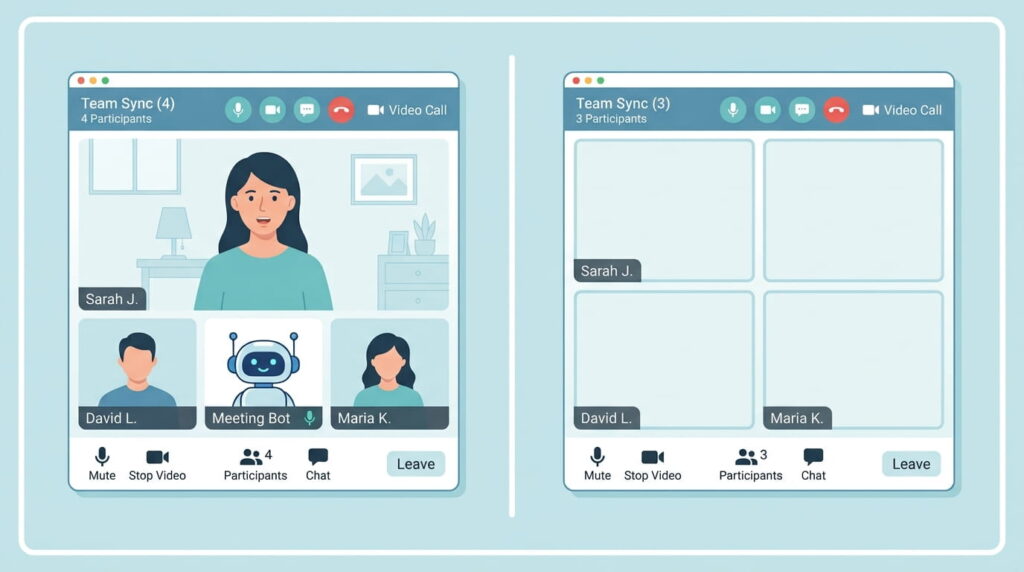
A bot-free tool records audio directly from your device instead, so nothing appears in the participant list. That suits client-facing calls and strict security policies better. The trade-off is that bot-free tools generally cannot join a call automatically from your calendar. You have to start the recording yourself.
If you mostly run internal meetings, the bot is a non-issue. If you spend your day on client or prospect calls, bot-free is usually worth the extra step.
Best Free AI Note Taker: Where the Free Plans Actually Stop
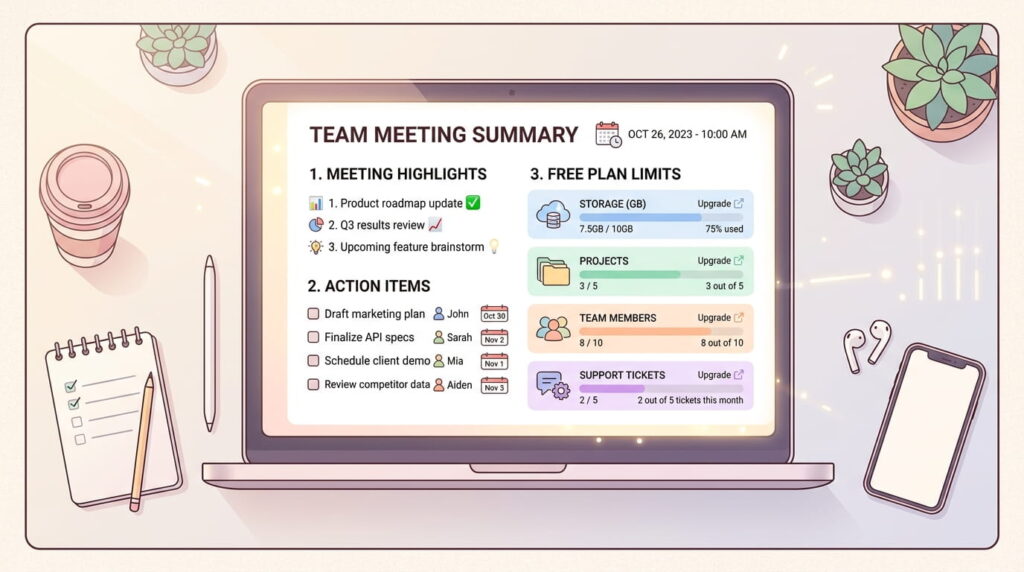
Every tool above has a free plan, and every free plan is capped somewhere. They are capped in different places, though, and the limit that stops you is rarely the number featured on the pricing page.
| Tool | What looks generous | What actually limits you |
| Fathom | Unlimited recording | Monthly cap on AI-generated summaries |
| Otter.ai | Monthly minute allowance | Each individual call is cut short on its own |
| Fireflies.ai | Unlimited transcription | Storage minutes and AI credits run out |
| Granola | Unlimited meetings, in theory | A fixed lifetime meeting count, not monthly |
| tl;dv | Unlimited video recording | Some AI features reserved for paid plans |
A tool that caps AI summaries rather than recording time feels generous if you only need a transcript occasionally. A plan built around monthly minutes rather than a hard meeting count goes further if you record several short meetings a week.
Best AI Note Taker for Students and Lectures
Every tool above assumes a scheduled video call. That assumption breaks down the moment you point one at a lecture hall.
Bot-based tools cannot help here at all, since there is no video call for a bot to join. That rules out most calendar-based tools for in-person classes.
Per-call time limits also hit harder in education than at work. A fifty-minute meeting is long, but a fifty-minute lecture is short. A tool that cuts recordings off partway through will lose the second half of most classes.
For lecture capture, prioritize a bot-free tool built for long single sessions. A dedicated recording device that sits on the desk and captures room audio is another solid option. CRM integration and sales coaching features, which several tools lean on heavily, are irrelevant for coursework.
Best AI Note Taker for In-Person Meetings
Most AI note takers assume a screen and a scheduled call. That leaves them useless the moment a conversation happens across a table.
Two approaches solve this. The first is a bot-free app paired with a phone microphone. That works for a quiet one-on-one but struggles in a noisy restaurant. The second is dedicated recording hardware, typically a small device or a pair of earbuds built to capture room audio.

Hardware generally wins on audio quality and battery life for lunches, conferences, and hallway conversations. Software wins once the recording stops, since it usually offers deeper search and easier integration with your other tools.
How to Choose the Right AI Note Taker for Your Workflow
There is no single best AI note taker for everyone. The category splits along a few practical lines rather than one quality ranking.
Choose a bot-free tool if you are client-facing and cannot afford an awkward moment on a call. Choose wide language support if any of your meetings happen outside English. Choose the free plan that matches your actual usage pattern, not the one with the biggest headline number. Choose direct CRM or workspace integration if you copy summaries into another app by hand every day.
Test two or three finalists on real meetings before committing to a paid plan. A transcript that reads well in a demo does not always hold up on a noisy call.
Frequently Asked Questions
1; What is the best AI note taker overall?
There is no single winner for every use case. Otter and Fireflies lead on transcription depth and integrations. Fathom and tl;dv offer the most generous free recording, while Granola and Krisp are the strongest bot-free, privacy-friendly options.
2: Is there a free AI note taker that is actually good?
Yes, several free plans are genuinely usable rather than just a trial. Fathom and tl;dv both allow unlimited recording at no cost, though each caps a different part of the AI features.
3: Do AI note takers work for phone calls, not just video meetings?
Most AI note takers are built around scheduled video calls, so phone calls are a weaker fit. A bot-free app can capture a phone call on speaker mode. A dedicated recording device usually handles standalone phone and in-person audio more reliably.
4: Are AI note takers secure enough for confidential meetings?
Reputable AI note takers publish security certifications and let you delete recordings or control transcript access. Confidential meetings still deserve extra caution, so check a tool’s data retention policy before recording anything sensitive.