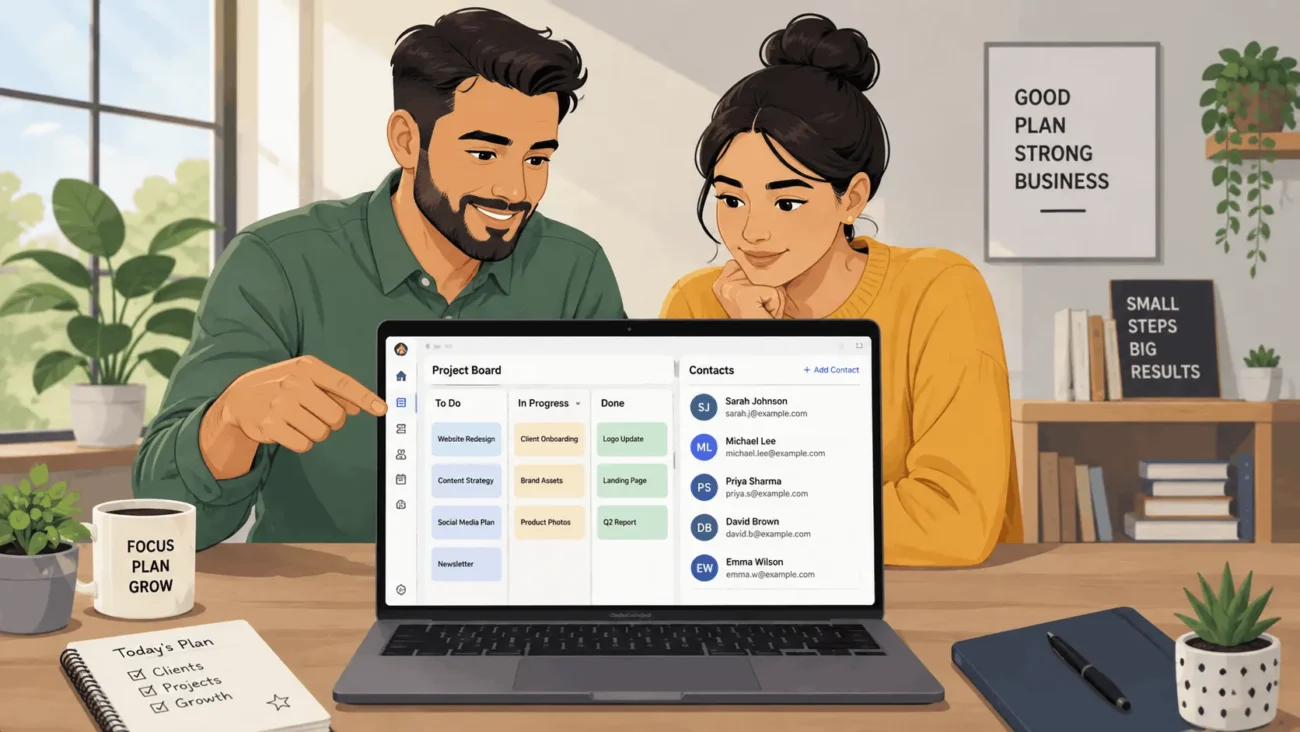
If you are still running your business through email threads and a notes app, the cracks show up fast. Free business management software fixes the worst of that. It gives you one place for contacts, projects, and daily tasks, at no cost while you are still small. The hard part is figuring out which “free” plans are real and which ones quietly expire. This guide walks through what these tools cover. It also lists eight options worth testing, and how to tell a permanent free plan from a trial in disguise.
What Free Business Management Software Actually Covers
The category spans a wide range of tools, so it helps to know what is actually inside it. Most platforms combine a few of these: contact and deal tracking, project or task boards, invoicing, team messaging, and light reporting. Some also add HR basics like time off requests or simple onboarding checklists. What they are not is a full ERP system. An ERP ties finance, inventory, and purchasing into one connected engine, built for operations that already have real complexity. Business management software is the lighter, earlier-stage version of that idea. You use it to organize the basics first. Specialist tools come later, once a single function, like accounting, outgrows what a general tool can handle.
Free Plan vs. Free Trial: What to Check First
Every vendor calls its offer “free,” but only some of them mean it long term. A real free plan has a limit that stays fixed, such as a set number of users, contacts, or projects. You can stay on it for years without losing access. A free trial looks identical at signup, but it runs on a clock. After a set number of days, features disappear or the account locks until you pay. Before you build your workflow around any tool, check the pricing page closely. Look for the words “free plan” or “free forever” on the page. Skip past anything that only says “free trial” or “get started free.” That single distinction matters more than it looks. It saves you from redoing your entire setup a month in, once the trial clock runs out.
Eight Free Business Management Software Tools Worth Testing
Below are eight tools that consistently offer a genuine, ongoing free plan rather than a short trial. Each fits a slightly different way of working.
1: HubSpot CRM
HubSpot’s free tier gives you a visual sales pipeline, contact records, and email tracking, with no cap on the number of seats. It is a strong starting point if closing deals is your main daily job. As you grow, it connects into HubSpot’s marketing and service tools without a data migration. The free version does limit automation and custom reporting, so a high-volume sales team will hit that ceiling eventually.
2: Zoho CRM
Zoho CRM’s free plan supports up to three users and covers leads, contacts, and a basic sales pipeline. It suits a very small team that wants a dedicated CRM without paying for one yet. Zoho’s wider ecosystem, including invoicing and project tools, is available separately if you want to add pieces later. The three-user cap is the main constraint, so a growing sales team outgrows it quickly.
3: Bitrix24
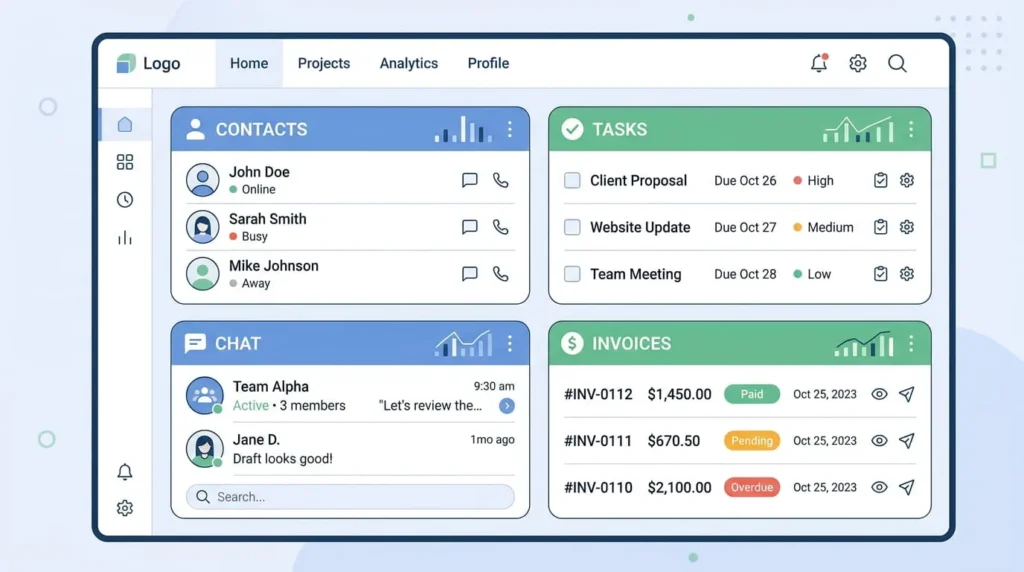
Bitrix24 combines CRM, project boards, team chat, and simple HR features in a single free plan with a large user allowance. It is built for a business that wants one login for nearly everything, rather than several disconnected apps. The amount of functionality on screen at once makes onboarding slower than a single-purpose tool. Teams that push through that first week tend to stick with it.
4: ClickUp
ClickUp’s free plan includes unlimited tasks and unlimited members, with list, board, and calendar views built in. It works well for project-heavy businesses, like agencies or consultancies managing several clients at once. Storage is capped on the free tier, and some advanced views require a paid plan. Most small teams do not hit that storage limit until they start attaching large files regularly.
5: Asana
Asana’s free plan covers a small set of users and includes list, board, and calendar views for tracking tasks. It works well for teams that want structured, repeatable workflows rather than a single flat board. Timeline views, forms, and advanced reporting sit behind a paid plan. For everyday task tracking without heavy project overhead, the free tier holds up well.
6: Trello
Trello keeps things simple with unlimited boards and cards on a kanban layout, plus light automation through its Butler feature. It is the right choice when you mainly need to see what stage each task is in. Businesses running interconnected, multi-step projects usually find Trello’s flat structure limiting after a while. For a solo owner or a two-person team, that simplicity is often exactly the point.
7:monday.com
monday.com offers a free plan capped at a small number of seats, aimed at individuals or very small teams tracking simple workflows. Its visual boards and color-coded statuses make it easy to scan progress at a glance. The seat limit is the tradeoff. Once you add a third or fourth teammate, you are looking at a paid tier.
8: Odoo
Odoo lets you run one app, such as CRM, invoicing, or inventory, completely free, with each additional app priced on its own. That structure fits a business that wants to start narrow and add modules like accounting later, on the same platform. It avoids a full switch to new software down the line. It is a weaker fit if you want several connected functions for free right away.
Matching a Tool to How You Actually Work
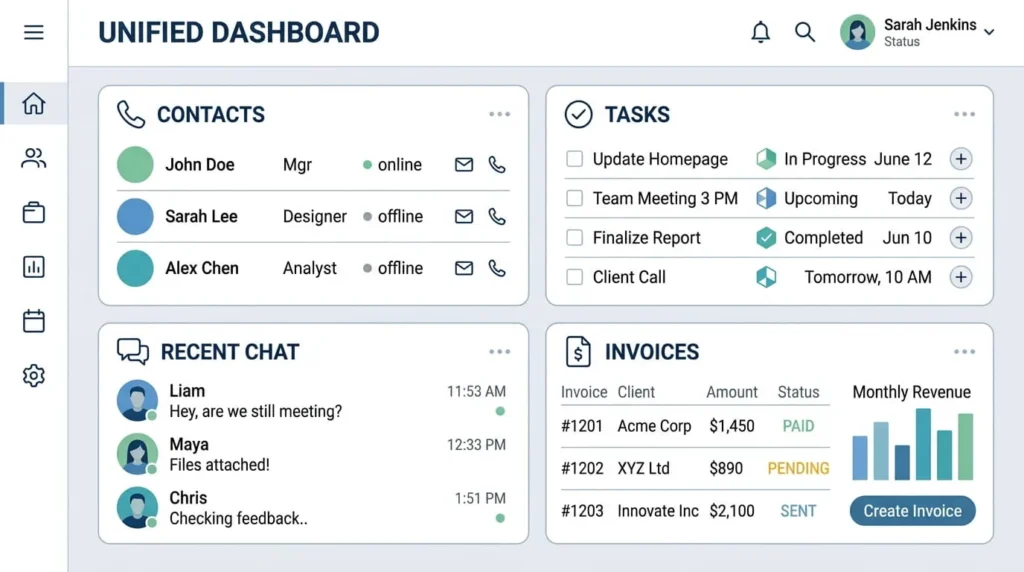
Instead of picking based on feature count, start with your biggest daily friction point. If closing sales is the bottleneck, HubSpot or Zoho CRM will feel immediately useful. If you are managing several ongoing projects, ClickUp, Asana, or monday.com give you more visibility than a plain task list. If you want one tool for everything, Bitrix24 covers more ground than the others on this list. It handles client records, project boards, and team chat together. If you already know accounting or inventory tracking is coming within a year, Odoo saves you a second setup later.
When One Free Tool Is Not Enough
Sometimes the right answer is not a single all-in-one platform. A freelancer or very small team can often get further by pairing two focused free tools instead. A common combination is a CRM for client records and a separate kanban board for delivery work. This keeps each tool simple and easy to learn on its own. It works fine as long as the two tools do not need to share data constantly. The moment you find yourself copying the same information between two apps every week, take that as a signal. It usually means the manual copying costs more time than the second subscription would. At that point, it is worth consolidating into one connected platform instead.
Frequently Asked Questions
Is free business management software good enough for a real business, or just a demo?
For a small team, a genuine free plan is usually enough to run real operations, not just test them. The limits tend to sit around user count or storage, not core functionality. Expect to outgrow it as you hire or take on more clients. That is normal, and it is not a sign the tool was ever just a demo.
Will my data be locked into the platform if I stay on the free plan?
Most established providers allow data export on free plans, typically as CSV files for contacts and tasks. Confirm this on the pricing or help page before committing significant setup time. A provider that restricts exports to paid plans only is a signal to look elsewhere.
Can I combine several free tools instead of choosing just one?
Yes, and many freelancers and small teams do exactly that. Use a CRM for sales, a separate board for project tracking, and a simple invoicing tool for billing. The tradeoff is more logins and more manual syncing between them. That cost becomes noticeable once your client list grows past a handful of active accounts.
How do I know when it is time to upgrade from a free plan?
Watch for three signs. You are regularly deleting old records just to stay under the user or contact limit. You need a specific feature, like automation or custom reporting, that only exists on a paid tier. Or you are exporting data to spreadsheets because the free plan will not connect to another tool you rely on.
Do free plans include a mobile app?
Most of the tools on this list offer a mobile app on the free tier, not just a desktop version. That matters if you or your team check tasks or contacts away from a desk. A few vendors lock offline access or push notifications behind a paid plan. It is worth a quick check first if mobile use matters to your daily work.