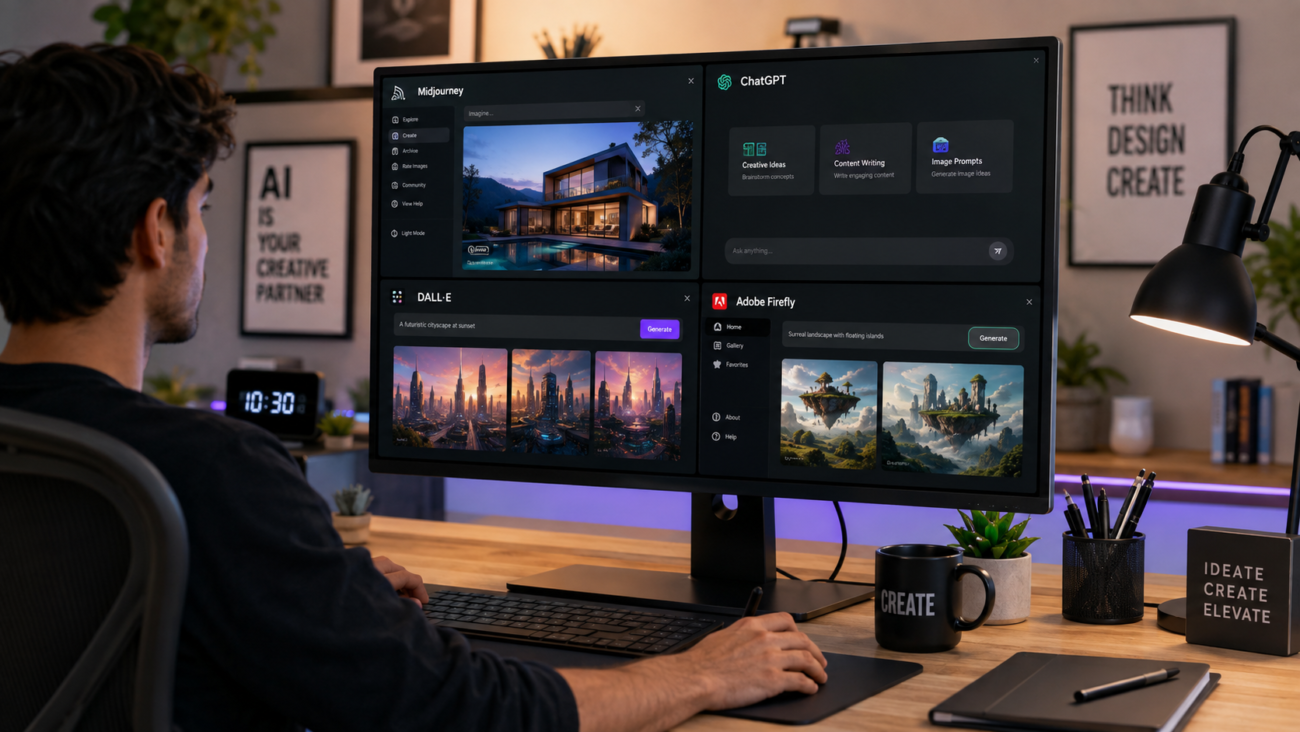
If you tried an AI image or video generator even six months ago and walked away unimpressed, it is worth another look. AI creative tools news has moved fast in 2026, and the tools themselves have changed shape. What used to be single-purpose apps for generating one image at a time are now full creative platforms that write, design, edit video, compose music, and hand off files across an entire production pipeline.
For creators, marketers, and small business owners in the United States, keeping up with AI creative tools news is no longer optional. The platforms you already pay for- Adobe Creative Cloud, Canva, Figma- are shipping AI features every few weeks, and the tools that lag are losing users fast. This guide breaks down what actually changed, which updates matter for real production work, and how to separate genuine progress from marketing noise.
Why AI creative tools news matters more in 2026 than in past years
Two things changed the pace of AI creative tools news this year. First, the major platforms stopped building isolated AI features and started building AI-native workflows. Second, commercial licensing and copyright protection became a real selling point instead of an afterthought, which changed which tools businesses are willing to adopt.
Earlier generations of AI image and video tools were judged mostly on output quality: does the image look good, does the video move naturally? That still matters, but it is no longer the deciding factor for professional use. Studios, agencies, and in-house marketing teams now weigh three things together: output quality, workflow integration, and legal risk. A tool that produces stunning images but carries copyright uncertainty is a harder sell to a US business than a slightly less flashy tool built on licensed training data.
Adobe Firefly’s shift from image generator to creative operating system
Adobe Firefly is the single biggest story in AI creative tools news this year, not because of one flashy feature, but because of how much ground it has covered. Firefly started as a text-to-image generator bolted onto Photoshop. It is now closer to a hub that routes your creative work to whichever AI model handles it best.
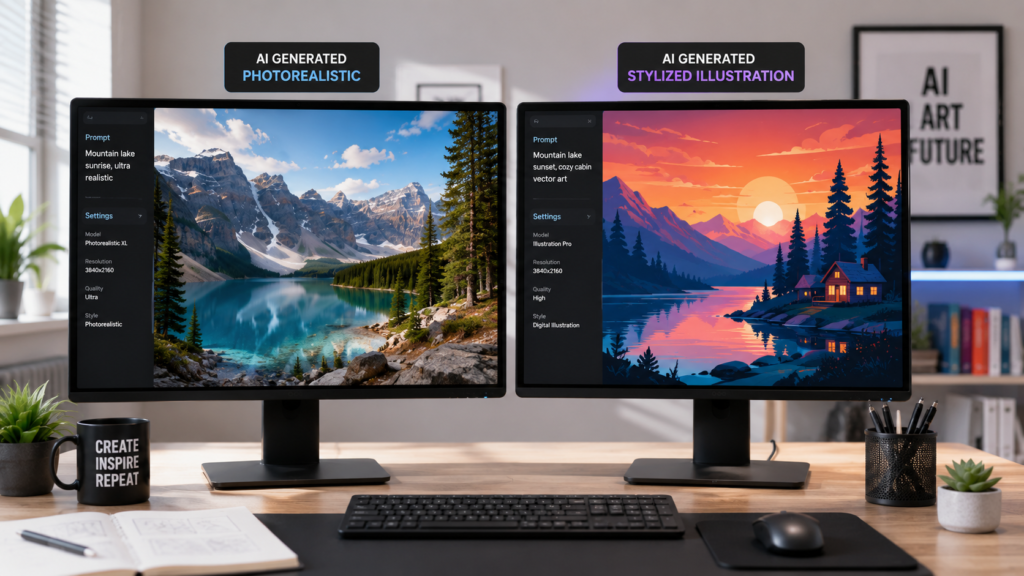
Firefly’s app now hosts more than two dozen partner models inside one interface, including image and video models from OpenAI, Google, Runway, Black Forest Labs, and others. Instead of forcing users into one house model, Adobe lets you pick the model suited to the task: a photorealistic partner model for product photography, a stylized model for illustration work, or a dedicated video model for motion graphics. That single change removed a lot of the tool-switching that used to eat up a creative team’s day.
1. The Firefly AI Assistant
The AI Assistant inside Photoshop, which moved into public beta earlier this year, lets you describe an edit in plain language and have it executed across multiple steps automatically. Instead of manually selecting a layer, applying a mask, and adjusting blend modes, you can describe the result you want and let the assistant handle the mechanics. It is not a replacement for skilled retouching, but it removes a lot of the repetitive setup work that used to slow beginners down.
2. Video and audio tools inside Firefly
Firefly’s video editor now supports models like the Firefly Video Model, Runway’s video tools, and Google’s Veo, all inside the same timeline. A newer beta feature, Generate Soundtrack, composes an original score matched to your video’s mood and length, which is a meaningful time-saver for anyone producing short-form content without a composer on staff.
For US-based businesses, the appeal of Firefly goes beyond features. Adobe trains Firefly on licensed Adobe Stock content and public domain material rather than scraped internet images, which gives commercial users clearer footing on copyright than several competitors currently offer.
Midjourney still leads on artistic output, but the gap is narrowing
Midjourney remains the tool most creatives reach for when the goal is striking, stylized imagery rather than commercial safety. Its latest stable release pushed image fidelity and prompt control further, and it is still the tool behind a large share of the most visually distinctive AI art circulating online.
What has not changed is Midjourney’s approach to integration. It still runs mainly through Discord and its own web app, with no official plug-in for Photoshop, Illustrator, or other professional design software. Third-party connectors exist, but they rely on unofficial workarounds rather than a supported API relationship. For solo artists and concept designers, that tradeoff is often worth it. For agencies that need assets to move cleanly through a Creative Cloud or Figma pipeline, it can create friction.
Video generation is the fastest-moving category right now
If you follow AI creative tools news closely, video is where the most dramatic jumps are happening. Runway’s newest generation model improved consistency across scenes, which had been one of the biggest weaknesses in AI video: characters or objects shifting in appearance from shot to shot. Google’s Veo and OpenAI’s Sora integration inside ChatGPT have pushed in the same direction, giving marketers and content creators tools that can generate short, usable video clips from a text prompt or a reference image.
None of these tools have solved every problem. Complex scenes with several overlapping subjects still produce visible errors, and hands, text, and fine detail remain weak points across the board. The realistic use case in 2026 is not replacing a video shoot; it is generating B-roll, product spins, social clips, and transitions that would otherwise take a video editor hours to produce manually.
Design platforms are becoming conversational
Canva’s biggest 2026 update reworked the platform around a conversational design system rather than a grid of separate tools. Instead of opening a template and editing it piece by piece, users can describe a goal, a product launch, a social campaign, a one-page report, and the platform generates a full set of matching assets in one pass. Built-in connectors to Slack, Gmail, and Google Drive let Canva pull context from existing files instead of starting from a blank canvas every time.
Marketing and advertising platforms are catching up fast
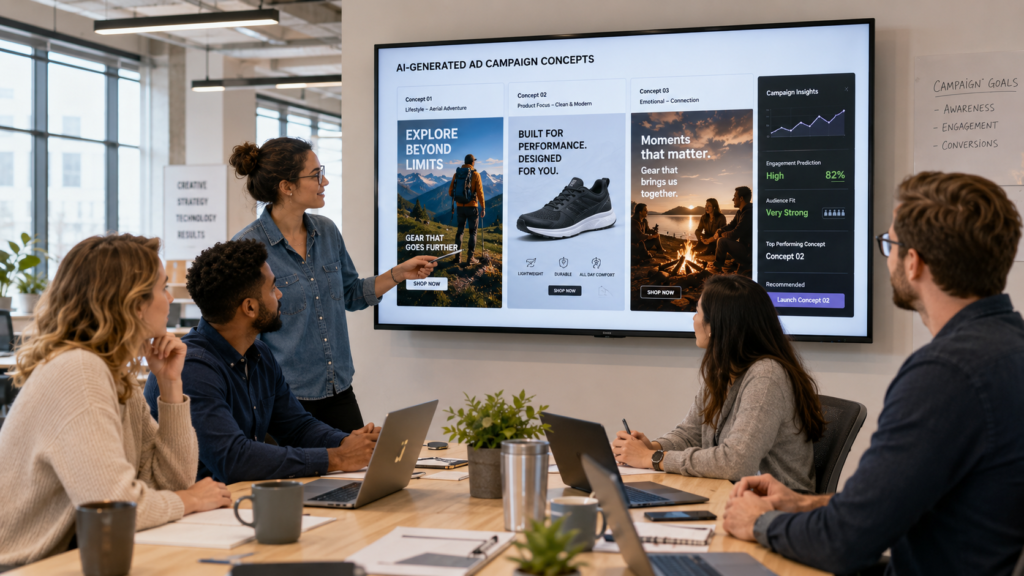
AI creative tools news is not limited to design software. Meta introduced a new suite of AI-powered advertising and creator tools this year aimed at helping marketers build, test, and optimize ad creative faster while keeping brand guidelines intact. The pitch from Meta and similar platforms is straightforward: AI now handles the repetitive work of producing creative variations for testing, so marketing teams can focus on strategy and messaging rather than manually building a dozen versions of the same ad.
This matters for US small businesses in particular. Performance marketing has always rewarded teams that can produce more creative variations and test them faster. AI tools that generate those variations automatically are closing the gap between large agencies with big production budgets and smaller teams working with limited resources.
The copyright question is shaping which tools businesses choose
Legal exposure has become one of the most consistent threads in AI creative tools news throughout 2026. Several major studios have pursued legal action against AI image generators over training data, and that pressure has pushed commercial licensing to the front of the conversation. Enterprise creative teams have repeatedly cited legal uncertainty as a top barrier to adopting AI image tools at scale.
This is why Adobe’s licensed-training approach has resonated with US businesses specifically. A tool trained exclusively on licensed and public domain content gives a marketing or legal team a clearer answer when a client or partner asks where the training data came from. Tools built on scraped internet data can still produce excellent results, but businesses adopting them are accepting more legal ambiguity than they may realize.
If your work will be used commercially, in an ad campaign, on packaging, or in client-facing material, it is worth checking a tool’s training data policy and licensing terms before you build a workflow around it. That single step can save a business from a costly rework later.
How to keep up with AI creative tools news without wasting time
Given how often these platforms ship updates, chasing every announcement is not realistic. A better approach is to track a short list of sources and revisit them on a schedule rather than reacting to every headline.
1. Follow the platforms you already use
Adobe, Canva, Figma, and other tools you already pay for will announce major features through their own blogs and in-app notifications first. These updates are usually more relevant to your actual workflow than a general AI news roundup, since they affect tools you are already using.
2. Watch for licensing and policy changes, not just features
New capabilities get most of the attention, but licensing terms, pricing changes, and copyright policy updates often matter more for business use. A feature you cannot use commercially, or a pricing change that puts a tool out of budget, changes your options more than a new filter or preset ever will.
3. Test before you commit a workflow to a new tool
AI creative tools news moves fast enough that today’s leading tool can be matched or surpassed within a few months. Before restructuring a production workflow around a specific platform, run a small real project through it first. Check how it handles your actual brand assets, your typical revision requests, and your file handoff process, not just a demo prompt.
What this means for creators and small businesses in the US
The practical takeaway from this year’s AI creative tools news is that the technology has matured past the demo stage. The tools that are winning adoption are not the ones promising to replace designers, editors, or marketers outright. They are the ones that remove the repetitive middle steps of creative production, generating variations, handling routine edits, drafting a first pass, so people can spend their time on judgment calls the software still cannot make.
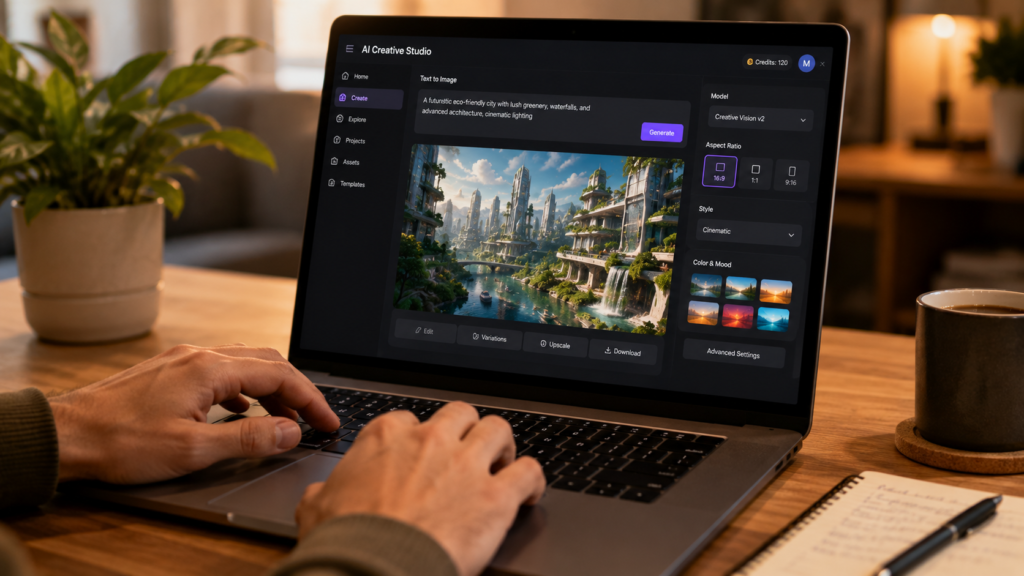
For US-based freelancers, agencies, and small business owners, that shift is worth paying attention to. Adopting the right AI creative tool at the right stage of your workflow can meaningfully cut production time without cutting corners on quality, as long as you choose tools with licensing terms you are comfortable defending to a client. The businesses getting the most value right now are not the ones using the most AI tools. They are the ones who picked a small, well-integrated set of tools and learned exactly where each one fits.