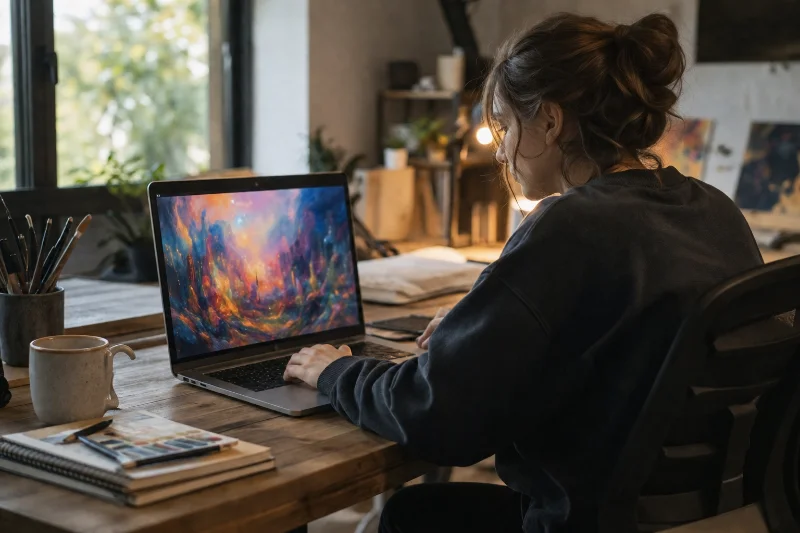
The best AI art generator depends on what you’re actually making. Someone painting a gallery-style piece needs different strengths than someone generating a quick social media graphic, which is why picking a single “winner” rarely serves everyone well.
This guide compares the tools that consistently produce strong results across different use cases, then walks through a simple way to match a tool to your specific project instead of just following a generic ranking. The market has also matured enough that quality differences between the top dozen models are smaller than they used to be, which means workflow fit and pricing now matter almost as much as raw image quality.
What Makes an AI Art Generator “Best” for You
Every generator makes trade-offs between artistic style, how closely it follows your prompt, ease of use, and cost. A tool that produces gorgeous, painterly results might ignore half of a detailed prompt, while one that follows instructions precisely can look flat or generic.
Before comparing specific tools, it helps to know which of these you actually care about most: visual style, prompt accuracy, commercial usage rights, or a low-cost way to experiment. None of the tools below score highest on all four.
Top AI Art Generators Compared
1. Mid-journey
Mid-journey remains a strong choice for anyone chasing painterly, atmospheric, or highly stylized results. Its output tends to have richer lighting and texture than more literal, prompt-accurate generators, which is why it’s popular with illustrators and concept artists.
The web app has replaced the old Discord-only workflow, making it easier to get started. One thing worth knowing before signing up: images you generate are public by default, so it’s not the best fit if you need to keep client work private. Plans start around $10 a month for roughly 200 images and commercial usage rights.
2. ChatGPT Image Generation
Built into ChatGPT, this option is the easiest to use if you already work inside that app. You describe what you want in plain language, and it generates the image directly in the conversation, then lets you refine it with follow-up requests instead of rewriting the whole prompt.
It’s particularly strong at understanding style references, like “make this look like a Studio Ghibli scene,” and at applying small, targeted edits without redrawing the whole image. Free access is limited; heavier use requires a paid ChatGPT plan.
3. Ideogram
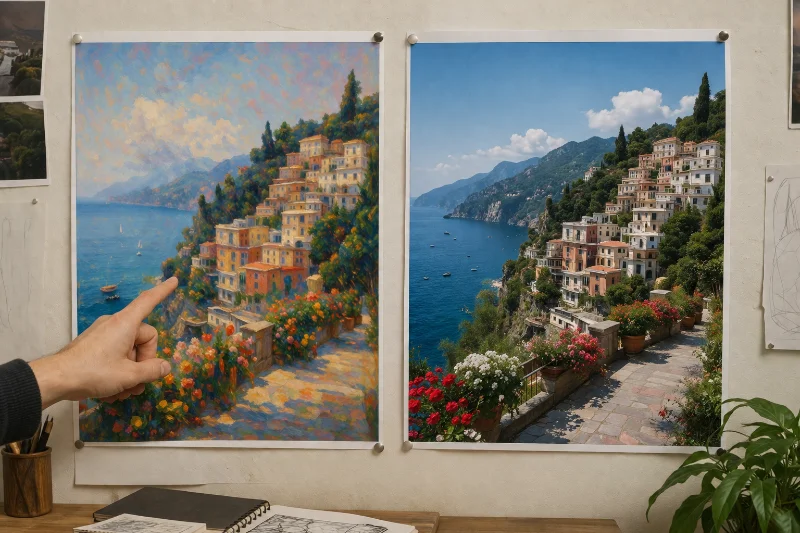
Ideogram’s main advantage is text rendering. Most AI art generators mangle letters and words inside an image, but Ideogram handles logos, posters, and designs that need readable text far more reliably than most competitors.
It also includes a free tier, an image editor, and a batch tool for generating multiple variations from a spreadsheet of prompts, which makes it useful for anyone producing design assets at volume rather than one-off pieces.
4. FLUX by Black Forest Lab
FLUX is an open model built by former Stability AI researchers, and it’s the most flexible option here for people who want to customize or self-host their generator rather than rely entirely on a hosted app. It’s available through platforms like NightCafe and Civitai, or directly via API for developers.
This makes FLUX less of a plug-and-play choice and more of a foundation for anyone building their own art workflow. Pricing depends entirely on which platform you access it through.
5. NightCafe Studio
NightCafe is a community-driven platform rather than a single proprietary model. It gives access to several underlying models, including FLUX and Stable Diffusion, wrapped in a social feed where users share prompts and results.
This makes it a genuinely good starting point for beginners who want to experiment with different styles and models without committing to one platform, and the community aspect adds inspiration that solo tools don’t offer. Free daily credits are available, with paid plans for heavier use.
6. OpenArt
OpenArt takes a similar community-and-aggregator approach, giving users access to multiple models alongside a searchable library of styles, prompts, and workflows built by other users. It leans more toward being a discovery tool for finding a specific look than a single generator with one house style.
For anyone who isn’t sure what style they want yet, browsing OpenArt’s prompt library before generating anything is often faster than starting from a blank prompt box.
Free vs Paid AI Art Generators
Free tiers exist across almost every platform on this list, but they come with real limits: fewer generations per day, longer wait times, lower resolution, or watermarked output. NightCafe and Ideogram have some of the more generous free allowances if you’re just testing the waters.
Paid plans matter most once you need commercial usage rights, higher resolution, faster generation, or private (non-public) images. Most paid tiers start between $10 and $20 a month, though heavier professional use, especially with FLUX through an API, can cost more depending on volume.
It’s worth budgeting for generation volume rather than just the monthly fee. A plan that looks cheap on paper can still run out of credits halfway through a busy week, forcing an unplanned upgrade. Estimating how many images you’ll realistically need in a typical month, then checking that number against each plan’s limits, avoids that surprise.
A Quick Framework for Choosing the Right Tool
Start with what the image is actually for. A one-off social media graphic rarely justifies a paid subscription, so a free tier on NightCafe or Ideogram is usually enough. A recurring content need, like weekly blog headers or product mockups, is where a paid plan starts paying for itself in saved time.
Next, decide how much the exact wording of your prompt needs to be respected. If you’re generating decorative or exploratory art, a stylized model like Midjourney gives more visually interesting results even when it takes creative liberties. If you need a very specific scene, product, or layout, a more literal model like ChatGPT’s image generator or Ideogram will get you there with fewer regenerations.
Finally, check the commercial terms before you build a business around any single tool. Some plans include full commercial rights by default; others require an upgrade or have restrictions on certain uses, so it’s worth reading the terms once rather than assuming they all work the same way.
If more than one person will be generating images, workflow features matter more than they seem to at first. Batch generation, shared prompt libraries, and export formats that fit your existing design software can save more time over a month than a marginally better-looking model. This is where tools built around design workflows, rather than pure image quality, tend to earn their subscription cost back the fastest.
Common Mistakes to Avoid
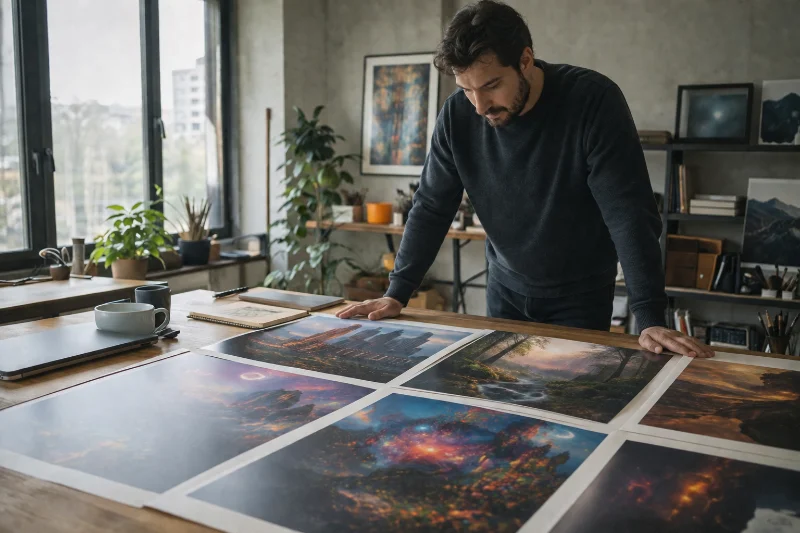
The most common mistake is picking a tool based on a single viral example rather than testing it against your own actual prompts. A generator that nails one dramatic fantasy scene might struggle badly with a specific product shot or a technical diagram.
The second mistake is subscribing to a paid plan before confirming the free tier’s limits are actually the bottleneck. Many projects can run entirely on free credits across two or three platforms, which also gives a better sense of which style fits before committing money.
The third is ignoring copyright status. Current guidance from the U.S. Copyright Office treats purely AI-generated images as not eligible for copyright protection without meaningful human authorship added on top, so anyone building a brand around AI art should keep that in mind rather than assuming full ownership by default.
Conclusion
There isn’t one best AI art generator for every situation, and treating the search that way usually leads to picking a tool that’s mismatched to the actual project. Midjourney and FLUX suit anyone chasing a distinct artistic style, ChatGPT and Ideogram suit anyone who needs precision and readable text, and community platforms like NightCafe and OpenArt are the easiest place to start if the goal is exploring different styles before settling on one.
Testing two or three free tiers against your own real prompts, rather than relying on someone else’s sample images, is still the fastest way to find the right fit.