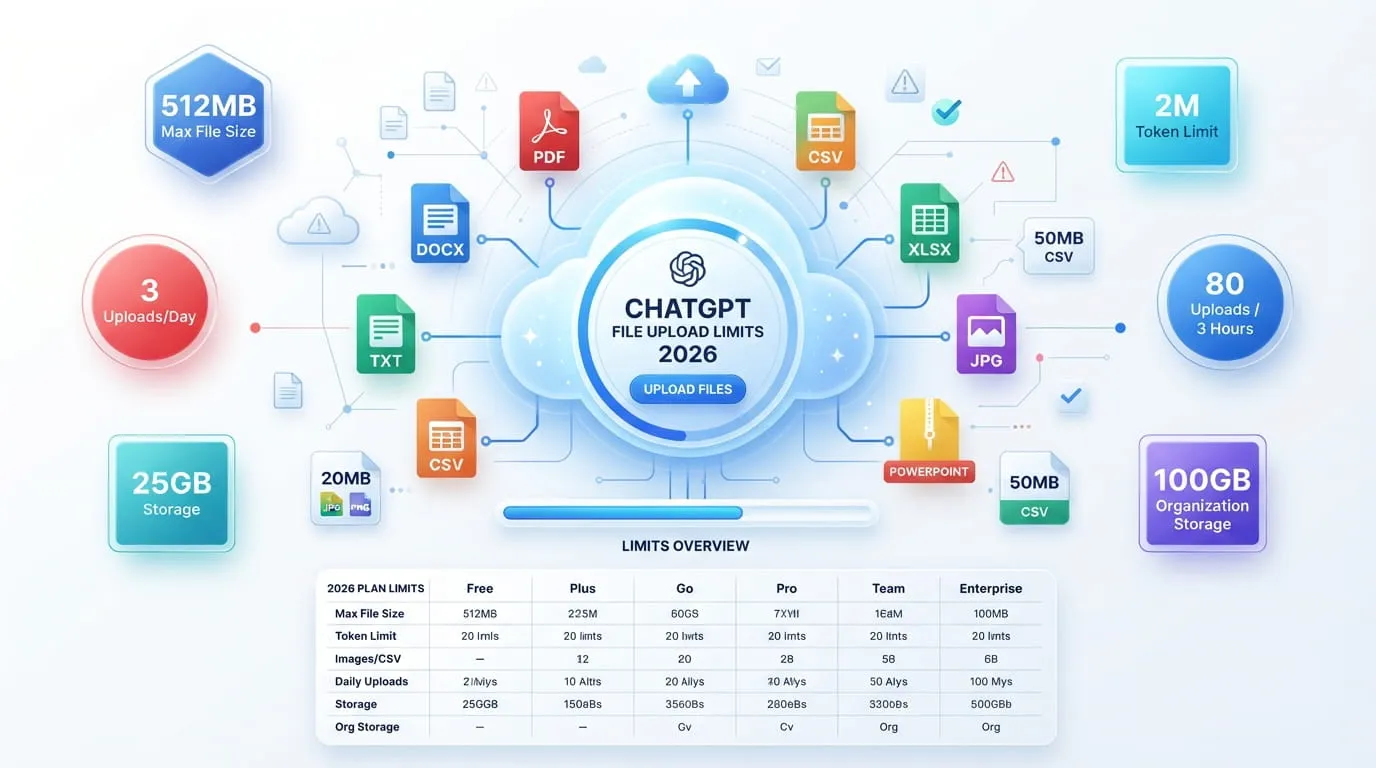
ChatGPT caps every file at 512MB, with a separate 2 million token ceiling for text documents. Free users get 3 uploads a day, Plus users get roughly 80 every 3 hours, and Pro users have no fixed upload-rate cap. Storage is capped at 25GB per person and 100GB per organization.
The Core File Size Limit
Every file you attach to a ChatGPT conversation or a custom GPT has a hard ceiling of 512MB, according to OpenAI’s own File Uploads FAQ. That number applies across Free, Plus, Pro, Team, and Enterprise plans. Go past it and the upload simply fails, no matter which subscription you’re on.
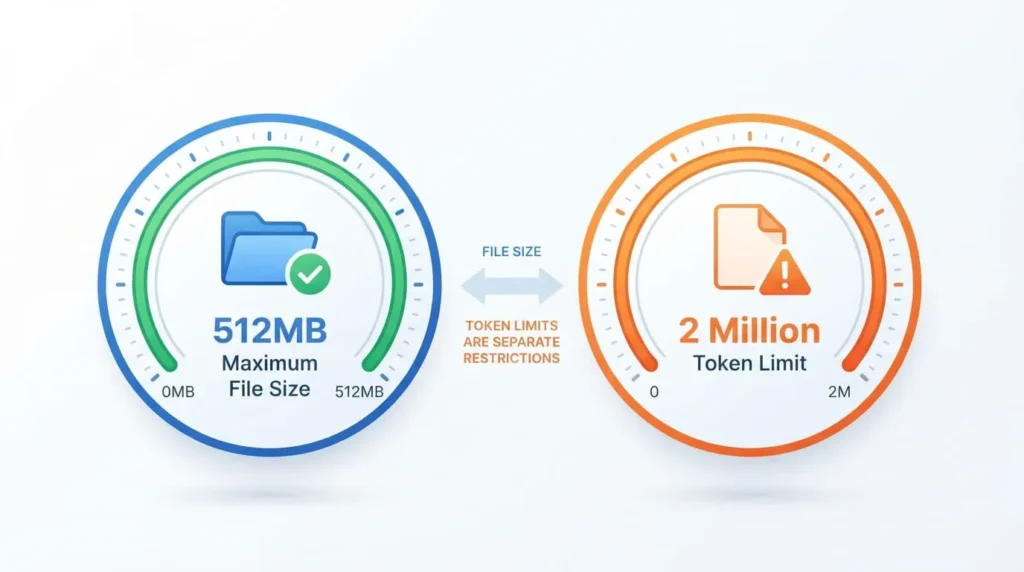
Size isn’t the only thing that decides whether ChatGPT can actually use your file, though. A document can sit comfortably under 512MB and still be too dense for the model to read in full.
Why Token Limits Matter More Than File Size
Text and document files, things like PDFs, Word files, and plain text, are capped at 2 million tokens per file on top of the 512MB size rule. Tokens are roughly word fragments, so 2 million tokens works out to somewhere around 1.5 million words depending on formatting. A file can weigh far less than 512MB and still hit this wall if it’s dense, text-heavy content like a scanned legal filing or a long research corpus.
When a file crosses the token ceiling, ChatGPT doesn’t reject it outright. It typically reads and works from part of the document instead, which means you can get an incomplete answer without any error message telling you why. If you’re working with a very long report, split it into logical sections (by chapter, by quarter, by client) rather than uploading the whole thing at once and hoping the model caught everything
File Type Limits That Aren’t 512MB
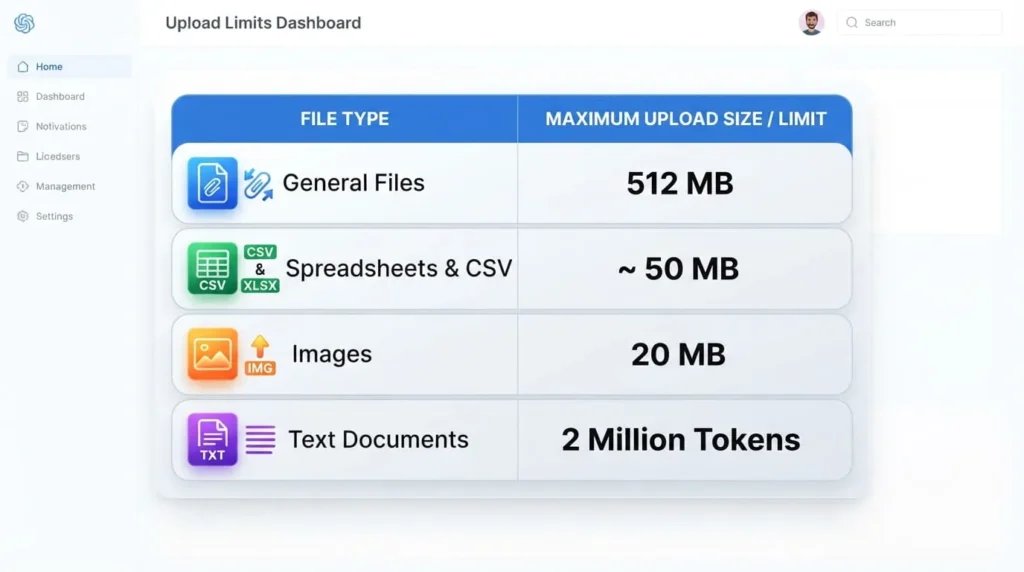
Not every file type gets the full 512MB allowance.
Spreadsheets and CSV files are capped at roughly 50MB, and the real ceiling shifts depending on how many characters sit in each row. Images are capped much lower, at 20MB per image, which trips people up more than any other limit because a modern phone photo can already sit close to that line before you’ve done anything with it. If an image upload fails for no obvious reason, check its file size before assuming something else is broken.
Daily And Rolling Upload Caps By Plan
ChatGPT Free
Free accounts get 3 file uploads per day. That resets 24 hours after your first upload of the day, not at midnight, so if you upload your third file at 9 AM, you can’t upload again until roughly 9 AM the next day. All file types count against this same pool: PDFs, images, spreadsheets, and code files draw from the same 3 slots.
ChatGPT Go
Go, OpenAI’s lower-cost tier at $5.50 a month, gets a higher cap than Free, but OpenAI has not published the exact number as of this writing. Treat it as “more room than Free, less predictable than Plus” until OpenAI documents a fixed figure.
ChatGPT Plus
Plus, at $20 a month, allows up to 80 file uploads in a rolling 3-hour window. That’s not a fixed clock reset. If you upload 20 files at 9 AM, that batch starts aging out of the window around noon, and your capacity returns gradually rather than all at once. Within that 80-file allowance, there’s also a per-message cap: OpenAI’s February 13, 2026 release notes raised this to up to 20 files per message on web, though some help pages still reference a 10-file figure, so confirm the current number in-app before planning a large batch upload.
ChatGPT Pro
Pro, at $200 a month, is the only plan with no explicit upload-rate cap. OpenAI still reserves the right to throttle extreme or abusive usage patterns, so “unlimited” here means no published number rather than a hard guarantee of unbounded uploads.
Team And Enterprise
Team and Enterprise plans generally sit above Plus for upload frequency, and OpenAI notes it may lower limits for any plan during peak traffic hours. Enterprise also gets Visual Retrieval for PDFs, which lets the model read scanned images and layout inside a PDF rather than just extracting raw text, something other plans don’t currently support.
Storage Caps You Can Actually Run Into
Beyond the upload-rate limits, OpenAI enforces a separate storage ceiling: 25GB per individual user and 100GB per organization. This is the total space your uploaded files occupy across chats, Projects, and any custom GPT knowledge you’ve built, not a per-conversation number. You can check how much of it you’ve used under Settings, then Storage, inside ChatGPT.
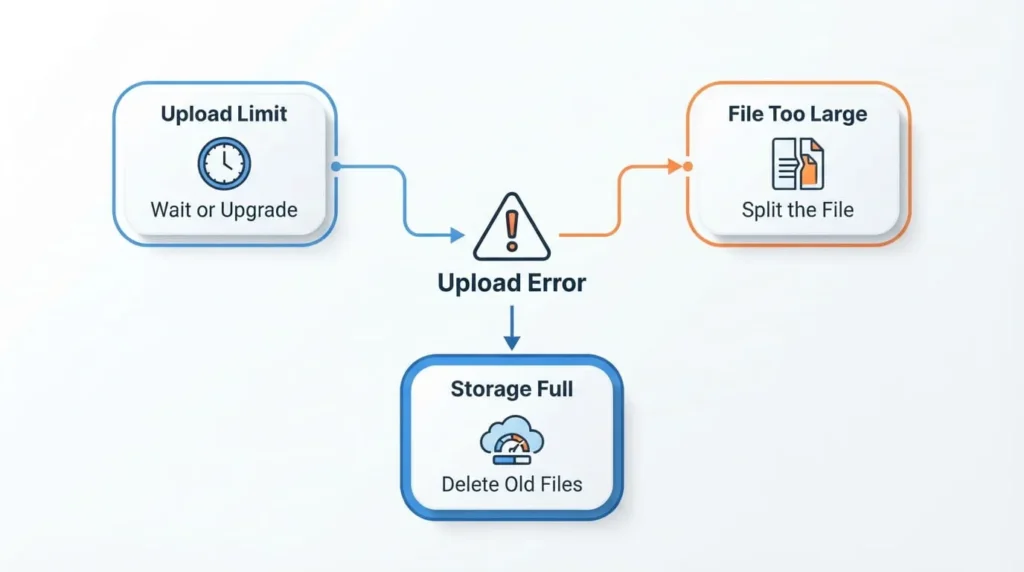
It’s easy to hit the storage cap and mistake it for the upload-rate cap, since both throw a similar-looking error. If you’re well under your daily or 3-hour upload count but still get blocked, check your storage usage before assuming the rate limit is the problem.
Project File Caps Add Another Layer
If you organize work inside ChatGPT Projects, there’s a separate file cap on top of everything above, and it’s genuinely confusing right now. OpenAI’s File Uploads FAQ and its dedicated Projects help page don’t agree with each other: one currently lists 20 files per Project for Plus, the other lists 25. Free tier appears to get 5 files per Project, and Pro around 40, though these numbers come from third-party trackers rather than a single unified OpenAI page, so treat them as a snapshot rather than a guarantee.
What To Do When You Hit A Limit
If you see “You’ve reached our limit of file uploads,” the fastest fix depends on which cap you copying and pasting the text directly into the message box bypasses the file-upload restriction entirely, though you’re then bound by the model’s regular context window instead.
to Plus. If it’s the per-message cap, split your batch across multiple messages instead of one large drop. If it’s the file-size or token cap, split the source document into smaller sections before uploading rather than compressing it, since compression doesn’t reduce the token count ChatGPT sees once the file is unpacked and read
FAQ’S
What is the maximum file size I can upload to ChatGPT?
512MB per file across Free, Plus, Pro, Team, and Enterprise. Images are capped lower at 20MB, and spreadsheets or CSV files at roughly 50MB.
How many files can I upload to ChatGPT per day?
Free users get 3 files per day, resetting 24 hours after the first upload. Plus users get roughly 80 files per rolling 3-hour window instead of a daily count. Pro users have no published upload-rate cap.
Why does ChatGPT say a file is too big when it’s under 512MB?
Text and document files are also capped at 2 million tokens. A file can sit well under 512MB in size and still exceed that token ceiling if it’s dense with text, in which case ChatGPT may only read part of it
Does ChatGPT Pro really have unlimited file uploads?
Pro has no fixed, published upload-rate number, but OpenAI still reserves the right to throttle unusually heavy or abusive usage. It’s closer to unlimited than any other plan, not a hard guarantee of infinite uploads.
How much total storage does ChatGPT give me for uploaded files?
25GB per individual user and 100GB per organization, covering files across chats, Projects, and custom GPT knowledge. You can check your usage under Settings, then Storage.