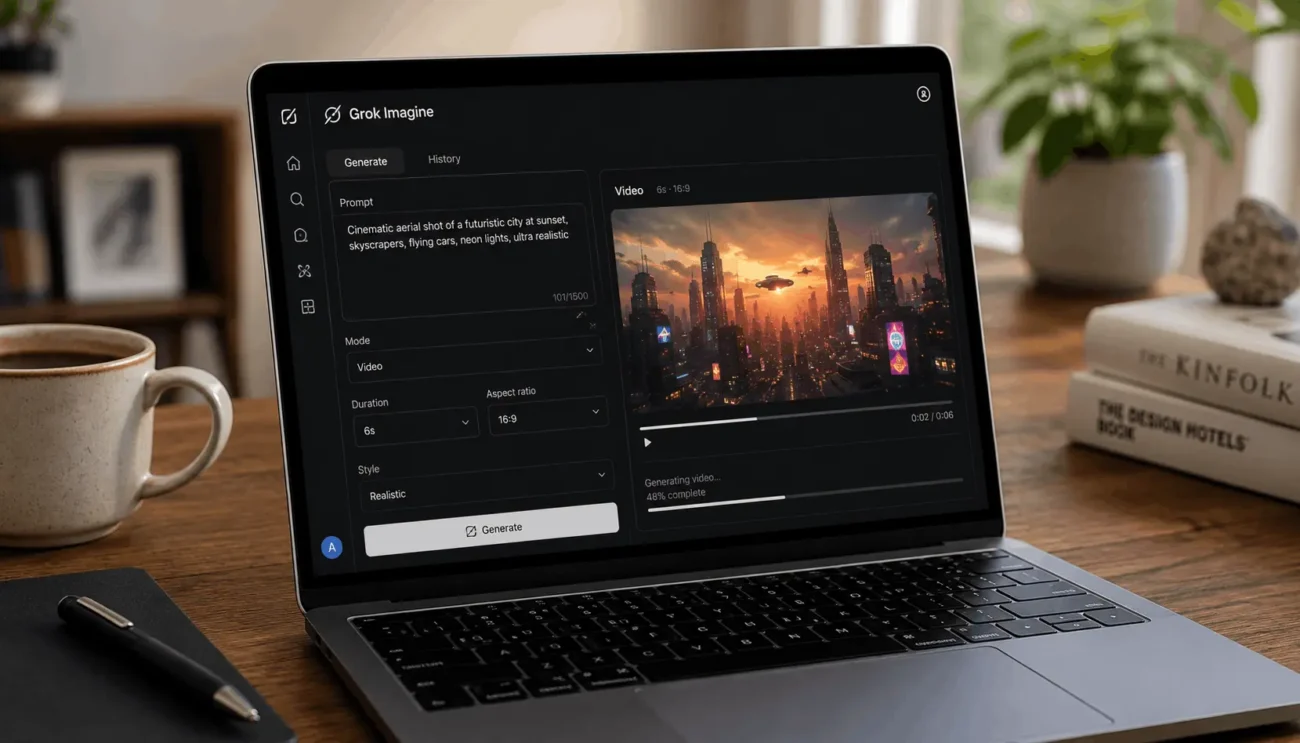
Grok’s video generation in 2026 turns a text prompt or a reference image into a short clip, up to 30 seconds long, with sound built in rather than added afterward. That single fact shapes almost everything else about how the tool fits into a real workflow, and it’s worth understanding before you build a process around it.
The feature lives inside Grok Imagine, xAI’s image and video generation tool, and it runs on an internal system called Aurora. This piece covers what Grok video generation actually supports right now, where its limits sit, and how it compares to the tools people usually put next to it, including PixVerse and Pexo.
What Grok Imagine Is and How It Works
Grok Imagine is xAI’s combined image and video generation tool, built into the Grok app and available through X. It handles four core workflows: text-to-image, image-to-image, text-to-video, and image-to-video. A user types a description or uploads a photo, and Grok returns a still frame first, then offers to animate it into a moving clip.
Grok AI Video Generation Capabilities in 2026
1. Text-to-Video and Image-to-Video
Both paths are live in 2026. Text-to-video takes a written description and builds a scene from nothing. Image-to-video takes an uploaded photo and animates it, keeping the original subject, framing, and identity intact while adding camera movement and motion. Creators who need to keep a specific product, face, or logo consistent tend to lean on image-to-video for that reason. It gives more control than a blank text prompt, since the starting visual is already locked in.
2. Clip Length, Resolution, and the 720p Ceiling
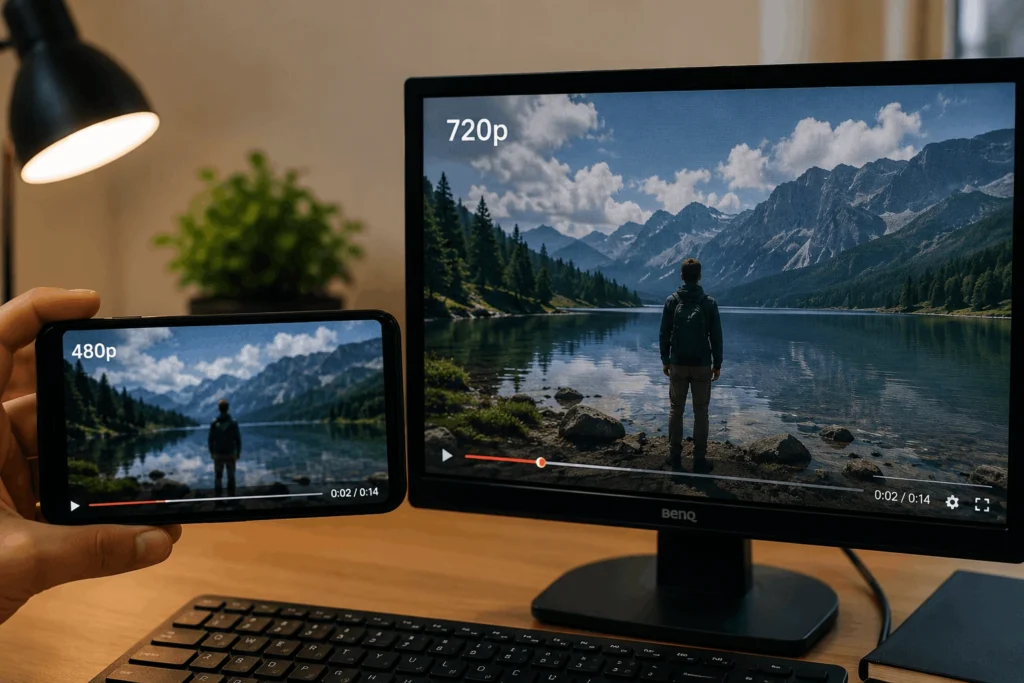
Grok video clips run from roughly 6 seconds up to 30 seconds, with the longer end reached through the Video Extend feature added earlier in 2026, which lets a user stretch a clip past its original generation in stages. Resolution tops out at 720p for video output. There’s no current path to 1080p through the standard app or API, so anyone planning to use Grok clips as a finished brand asset should expect to run them through an upscaler afterward.
3. Native Audio and Lip-Synced Dialogue
This is where Grok separates itself from a lot of earlier AI video tools. Audio is generated in the same pass as the video, not bolted on in a second step. That includes ambient sound, sound effects, background music, and lip-synced dialogue that follows a character’s mouth movement. For short-form content where sound carries half the emotional weight, that single-pass approach saves a real production step.
4. Video Extend and Editing
Beyond generating from scratch, Grok supports editing an existing video clip through a text instruction, such as changing a background or adjusting an environment around a subject. Output resolution and duration in this mode match the source clip, capped at 720p. There’s a moderation layer running in the background too. Grok evaluates the likely output before rendering, and stops generation early if it flags risk, which means a blocked or failed attempt still counts against a user’s daily generation quota.
Where Grok Fits Against Sora, Veo, Runway, and Kling
Grok isn’t positioning itself as the most cinematic option on the market. Sora and Veo generally win on shot control and visual fidelity for longer, more polished sequences. Grok’s strength is speed, native audio, and API access, which makes it a fit for teams that want video generation as one feature inside a larger product rather than a standalone editing suite. That framing matters for anyone deciding where Grok belongs in a stack: use it for fast iteration and social hooks, and reach for a more controllable tool when a shot needs precise camera direction.
Practical Use Cases for Grok Video in 2026
The 6 to 30 second range points Grok toward specific jobs rather than everything at once:
Social hooks and short-form clips for platforms like X, TikTok, and Instagram, where attention spans reward a fast opening.
Product teasers and ad drafts, where a marketing team wants to test five concepts before committing budget to one.
Motion tests and concept previews, checking whether an idea reads well in movement before a full production.
Character animation and scene extension, particularly when paired with image-to-video for a consistent subject.
Grok Imagine vs Dedicated Video Tools: PixVerse and Pexo
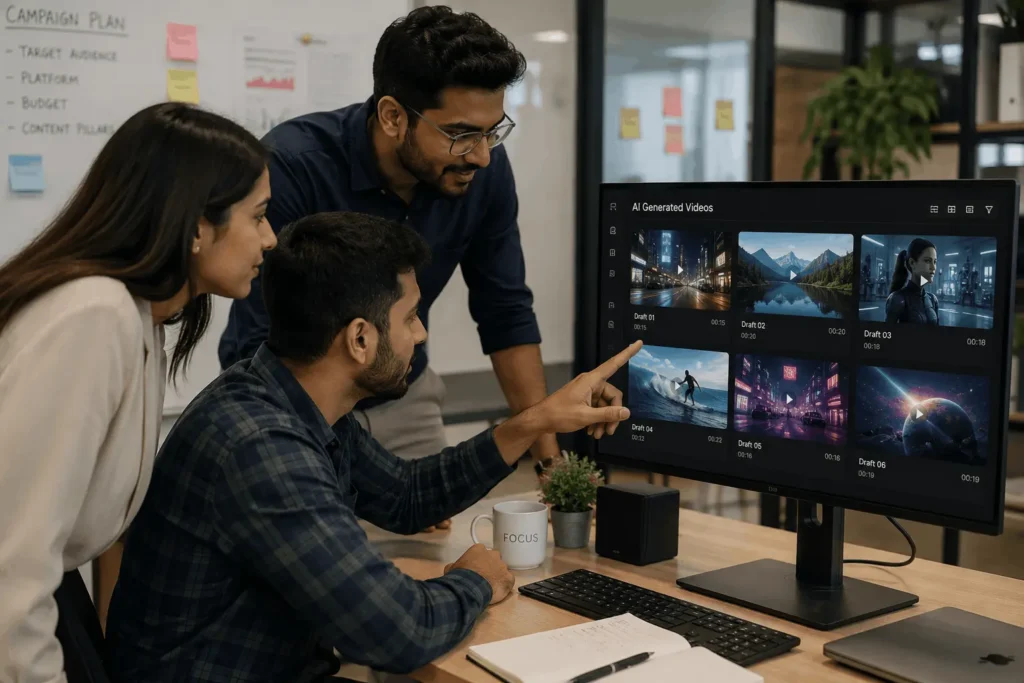
Grok covers a lot of ground for a feature built inside a chat app, but it’s still one model with one workflow shape: prompt or image in, short clip out. Dedicated video platforms take different approaches worth knowing about.
PixVerse focuses on the generation layer itself, offering multiple models tuned for different looks, cinematic camera moves like tracking, dolly, and crane shots pulled straight from a prompt, and multi-shot scenes that keep characters and environments consistent across cuts.
Pexo takes a different route entirely. Instead of asking a user to write a technical prompt, it works conversationally, handling the full production pipeline from script and storyboard through voiceover, music, and subtitles, and it routes each job across multiple underlying models rather than relying on one.
Neither replaces Grok, and Grok doesn’t replace either. Grok’s advantage is that video generation sits inside a tool people already use daily, with fast turnaround and no separate account needed. A dedicated platform makes more sense once a project needs shot-level control, longer runtimes, or a fully assembled video rather than a single clip.
Limitations to Know Before You Rely on Grok
A few constraints are worth planning around rather than discovering mid-project. Resolution caps at 720p, so anything destined for a large screen or a polished brand deliverable will need upscaling. Clip length tops out at 30 seconds even with Video Extend, which rules out long-form narrative work. The moderation system can slow iteration, since failed or flagged generations still draw from the daily quota, and hitting that quota can drop output quality from 720p down to 480p. None of these limits erase what Grok does well. They just mark where a different tool takes over.