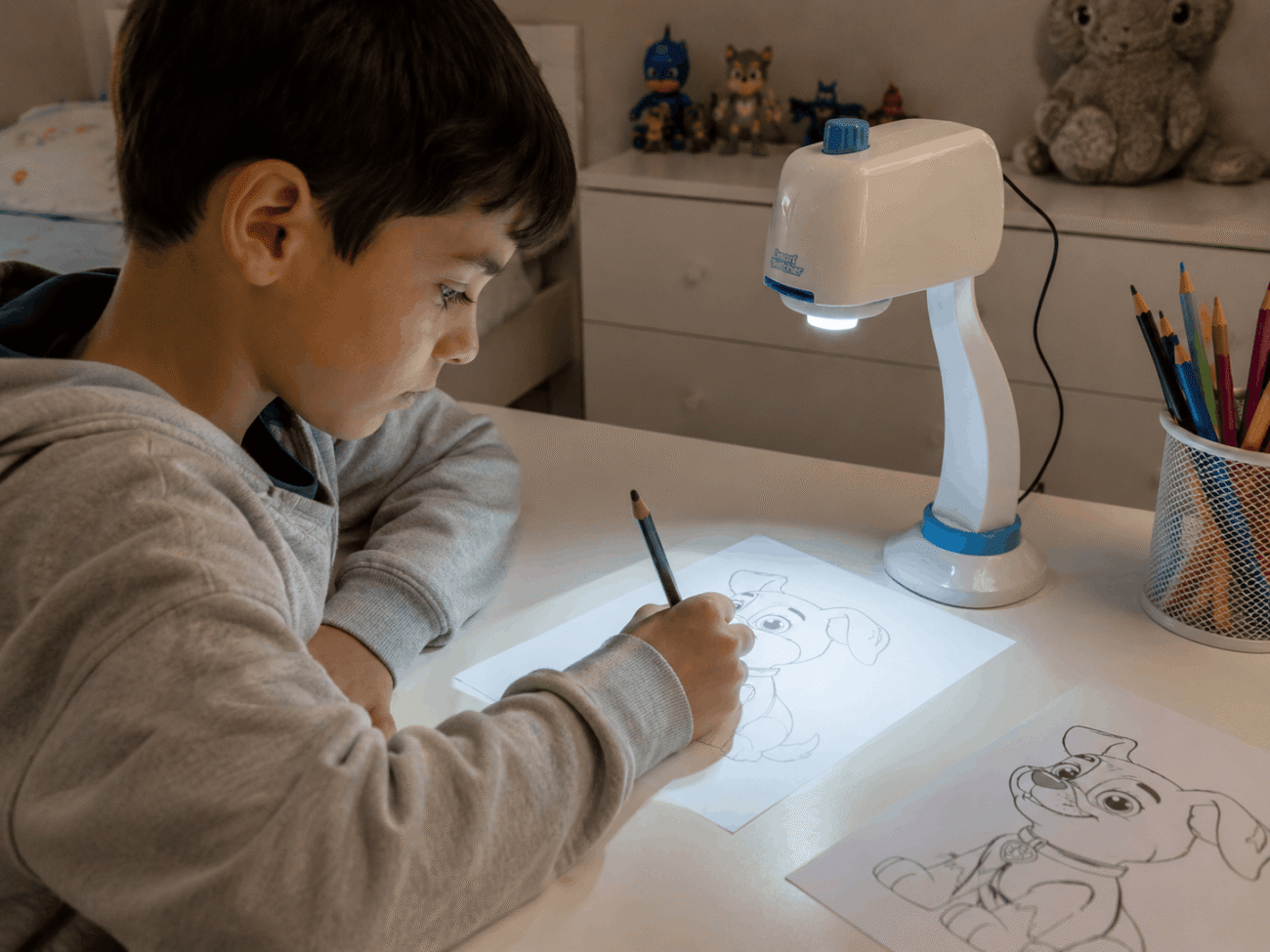
A Smart Sketcher projector is a small desktop device that projects an image onto paper so you can trace it, made by Flycatcher Toys under the smART Sketcher® name. It currently comes in two versions, the smART Sketcher 2.0 and the AI-powered smART Sketcher AI, and choosing between them mostly comes down to whether you want a simple, cartridge-driven drawing toy or one that turns typed or spoken prompts into a projected image. This guide covers what each version does, what it costs, and who actually gets the most use out of one.
What a Smart Sketcher Projector Does
The device sits on a desk or table and projects a picture straight down onto a sheet of paper underneath it. You trace the outline with a pencil or marker, then lift the projector away and color in the finished sketch.
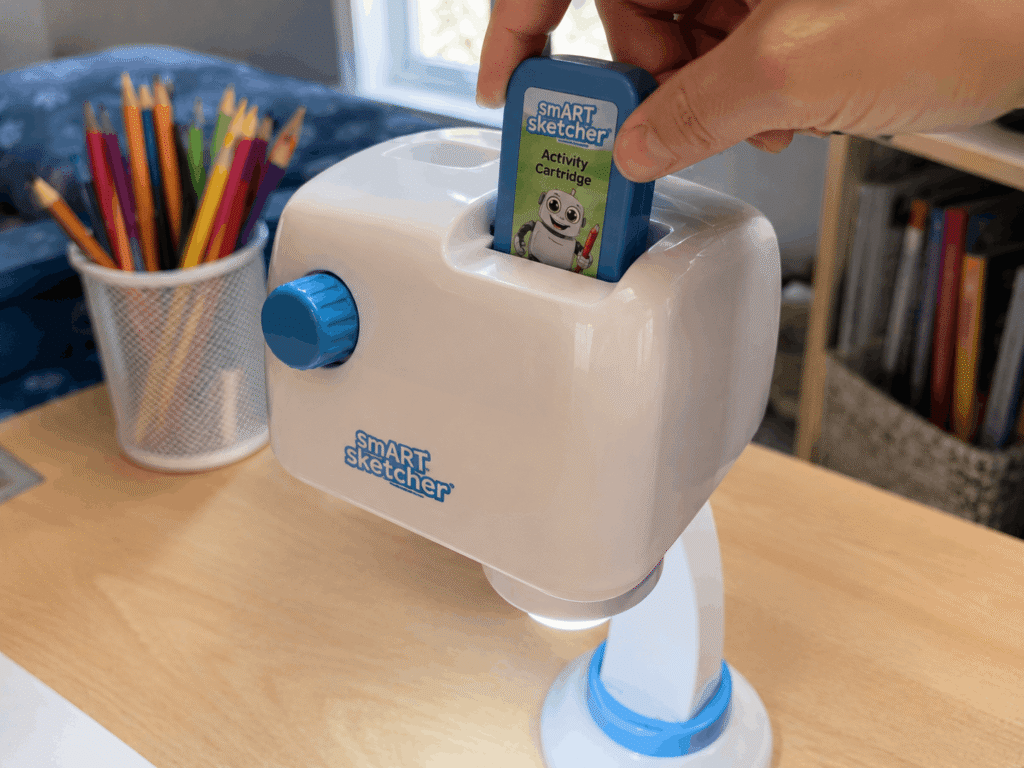
Images come from two places depending on the version. Older and current 2.0 models use a plug-in activity cartridge loaded with pre-drawn pictures, while the app on either version lets you send a photo from your phone to the projector over Bluetooth. The AI version adds a third option: typing or speaking a description and letting the app generate a new image on the spot.
The projector head itself tilts and the whole unit can be raised or lowered slightly to bring the image into focus, similar to adjusting a small overhead lamp. There’s no zoom lens involved, so the projected size is fixed by the distance between the unit and the paper rather than by a setting in the app. That keeps the hardware simple, but it also means the image is only as sharp as the lens and the ambient light in the room allow, and a dim room generally produces a clearer trace line than a spot lit by direct sunlight.
Smart Sketcher Projector Versions Compared
Flycatcher currently sells two versions side by side, and they’re not interchangeable since each uses a separate app that won’t pair with the other model
smART Sketcher 2.0
The 2.0 model is the mechanically simpler option, built around a swappable activity cartridge rather than AI-generated content. Flycatcher lists it as suited for ages 5 to 105, with a projected image area of roughly 6.5 by 5.4 inches. It ships with a cartridge holding 60 step-by-step drawing and writing activities, a USB power cable, and it can also run on four D batteries if you’d rather keep it cordless.
The companion app, available for iOS and Android, adds the ability to project any photo from a connected phone rather than relying only on the built-in cartridge content. The 2.0 line has picked up recognition from outlets including Toy Insider and organizations like Mom’s Choice Awards, which is a reasonable signal of consistent build quality across a few product generations
smART Sketcher AI
The AI version replaces the cartridge-first approach with a prompt-first one. You tell the free app what you want to see, either by typing or speaking, and the projector displays an AI-generated image in high resolution for you to trace. Flycatcher pitches this version for kids age 10 and up, along with adults, and includes a 30-image inspiration cartridge alongside daily AI credits through the app for generating new prompts.
It also projects onto surfaces beyond paper, including fabric and cookies, and Flycatcher frames the prompting step itself as a light introduction to AI literacy rather than pure drawing practice. The tradeoff for that flexibility is a higher price and a narrower recommended age range than the 2.0 model.
The Original smART Sketcher
Before the 2.0 refresh, Flycatcher sold a first-generation smART Sketcher projector that used the same paper-tracing concept with a simpler build. It splits into two pieces for storage, runs on batteries or a mains adapter, and reads a small USB-style content card rather than the sturdier cartridge the 2.0 model uses. Flycatcher has moved production toward the 2.0 and AI lines, so the original mostly shows up now through secondhand listings or leftover retail stock, and its companion app is shared with the 2.0 model rather than the AI version.
How Much a Smart Sketcher Projector Costs
Pricing moves with sales and retailer promotions, so treat the numbers below as a general reference rather than a fixed quote, and check the current listing before buying.
On Flycatcher’s own site, the smART Sketcher 2.0 Projector is listed at $89.99, discounted from a $107.99 regular price. The smART Sketcher AI Projector runs higher, listed at $109.99 against a $129.99 regular price. Both prices reflect direct-from-brand listings and can differ from what shows up on Amazon, Walmart, or specialty toy retailers like Fat Brain Toys, where the same models are also sold.
Replacement cartridges and themed activity packs for the 2.0 line are sold separately, generally in the $15 to $20 range per pack, so factor that in if you’re planning to keep a child engaged with new content beyond the included cartridge
Setting Up and Using a Smart Sketcher Projector
Both versions follow a similar setup pattern, even though the content behind them works differently.
1: Connecting the App
Pairing requires a phone or tablet running iOS 12 or later or Android 6.0 or later, connected to the projector over Bluetooth. Once paired, the 2.0 app can pull a photo from your camera roll and send it to the projector, while the AI app instead sends a generated image based on whatever prompt you typed or spoke. Neither app works with the other version’s hardware, so double-check which projector a listing includes before downloading anything.
2: Projecting and Tracing
With the cartridge or app content selected, place a sheet of paper on the desk under the lens and adjust the projector’s position until the image is sharp and sized the way you want. From there it’s a matter of tracing with a pencil, going over the lines with marker or crayon, and coloring in the result once the projector is moved aside. The AI version extends this same process to fabric and food-safe surfaces like cookies, which has made it popular with home bakers as well as kids.
3: Common Setup Issues and What to Check First
A few recurring hiccups show up in buyer feedback for both versions, and most trace back to permissions rather than a defective unit. The app typically needs Bluetooth access and photo library access approved in your phone’s settings before it can find the projector or send an image to it, and skipping that step is the most common reason a first setup stalls.
Both apps also ask you to create an account before the projector does anything, which catches some buyers off guard on a toy they expected to work straight out of the box. It’s a one-time step, and once the account and permissions are set, pairing on future sessions is close to instant.
If you’re buying secondhand or from a marketplace seller, confirm which version is actually in the box before you rely on the listing photos alone, since the 2.0 and AI units look similar from the outside but need entirely different app downloads to function.
Who a Smart Sketcher Projector Is Actually For
The 2.0 model fits younger kids learning to draw, occupational therapists using it as a fine motor skill tool, and cookie decorators who want a precise outline to pipe over. Several parent and buyer reviews describe the image quality as workable but a little soft at the edges rather than crisp, so it’s better suited to tracing practice than to fine art reproduction.
The AI version fits an older kid or an adult who wants to skip searching for reference images and go straight from an idea to a traceable outline. It’s a weaker fit for anyone under 10, since Flycatcher builds the recommended age range and the app’s prompting step around that older audience.
As a gift, the 2.0 model tends to land better for a broad age range, since the cartridge system doesn’t require an adult to sit through app setup before a younger child can start drawing. The AI version leans more toward a household that already has a tablet in regular use and wants a creative, screen-adjacent activity rather than a fully screen-free one, since generating each new image still routes through the app before it reaches the paper.
Where to Buy a Smart Sketcher Projector
Flycatcher sells both versions directly through its own store, and the same models turn up at Amazon, Walmart, and Fat Brain Toys, sometimes at different prices depending on ongoing promotions. Buying direct from Flycatcher currently comes with a 90-day money-back guarantee and same-day shipping on weekday orders from the company’s Nevada warehouse, which is worth weighing against a marketplace listing that might arrive faster through Prime or a similar shipping program.
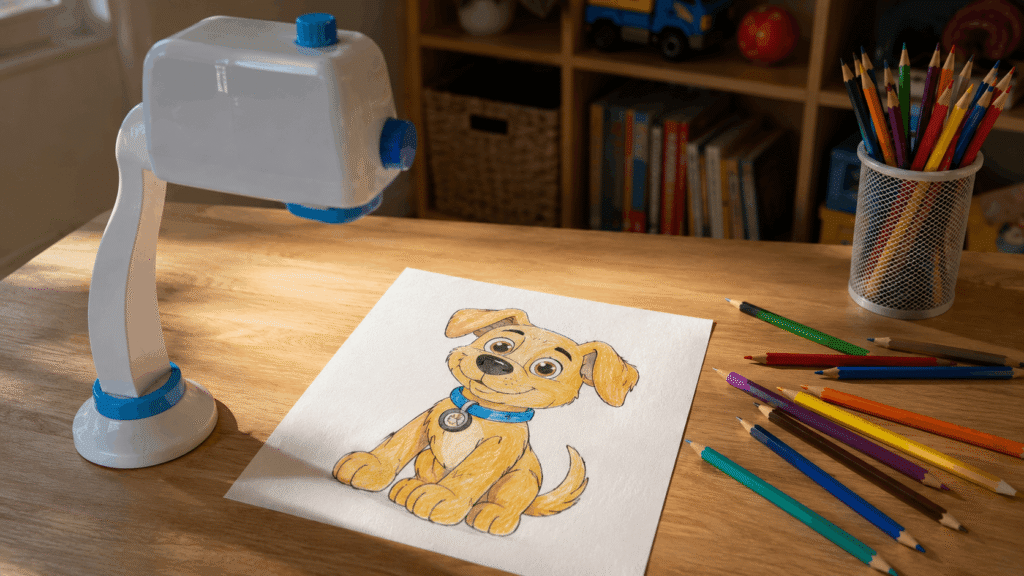
Whichever version you land on, matching the listing’s model name to the projector shown in the photos matters more than the price alone, since the 2.0 and AI projectors look similar but run on separate apps and separate content ecosystems.