No, Claude cannot generate photos or illustrations from a text prompt the way ChatGPT or Gemini can. It can build diagrams, charts, and interactive visuals directly in a conversation using SVG and HTML, and it can view and analyze any image you upload.
What Claude actually does with Images
Claude’s relationship with images splits into two clean categories: input and output. On the input side, Claude reads images well. On the output side, it writes code that renders as a visual, not a photograph.
1. Claude can view and Analyze Images
Upload a photo, a screenshot, a scanned form, or a hand-drawn sketch, and Claude will describe it, extract text from it, or answer questions about it. This works for a messy whiteboard photo from a meeting just as well as a clean product screenshot. It’s genuinely useful for anyone who needs to turn a picture into usable text or structured data.
2. Claude Builds Diagrams and Charts, not Photos
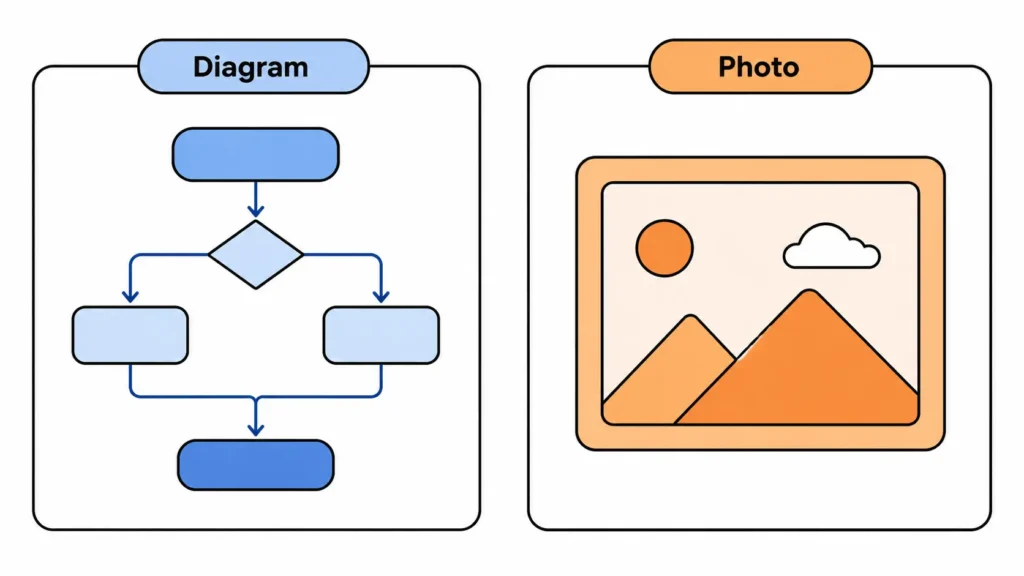
Ask Claude to show you a flowchart, an org chart, a bar graph of your own numbers, or a simple icon set, and it can draw one on the spot using SVG or HTML. You can then ask it to change a color, resize an element, or swap a label, and it redraws the same visual. This is closer to a live drafting tool than to a text-to-image generator.

Why Claude doesn’t Generate Photos Natively
Anthropic has kept Claude focused on reasoning, writing, and coding rather than pixel-based image synthesis. According to Anthropic’s help center, Claude doesn’t produce photos or illustrations the way dedicated image tools do, though it can build diagrams and interactive visuals to support understanding within a chat. That’s a product decision, not a technical accident, and it hasn’t changed through 2026 despite competitors shipping native image models.
How to get real Generated Images while using Claude
If a project genuinely needs a photograph, an illustration, or marketing artwork, Claude on its own won’t produce the file. Two workarounds cover most cases.
1. Connect an External Image Model
Claude supports connectors, including Model Context Protocol (MCP) integrations, that let it hand a request off to an outside image model and bring the result back into the conversation. Setup varies by provider, and the images come from that external model, not from Claude itself. Anyone trying this should check the specific connector’s data handling before uploading anything sensitive.
2. Use Claude to write the Prompt, then Generate Elsewhere
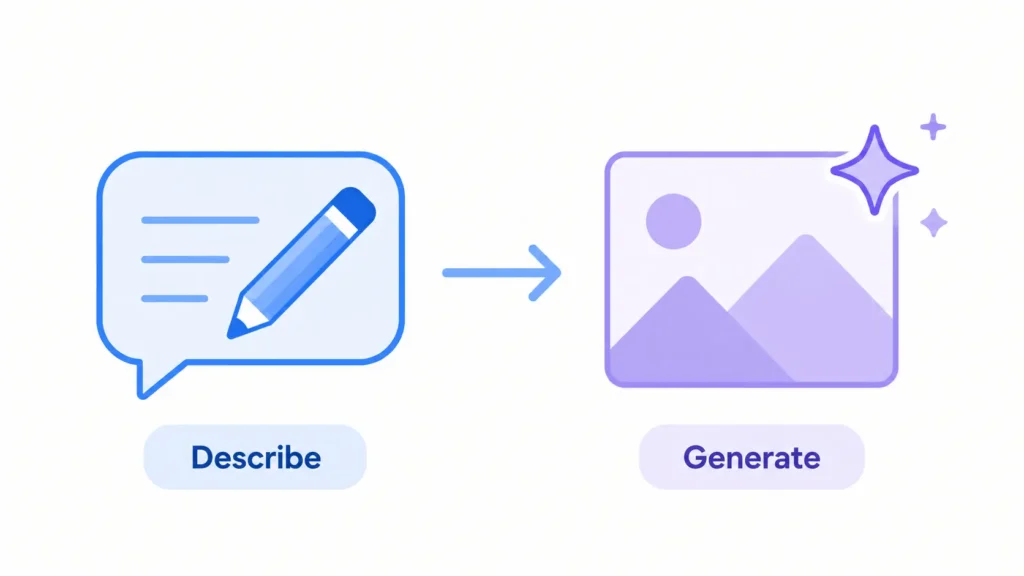
A simpler path skips connectors entirely. Describe the image you want, ask Claude to turn that into a detailed prompt, and paste the result into a tool built for image generation. Claude is strong at prompt writing, so this two-step process often produces a better final image than typing a vague request directly into an image generator.
Claude Design is not an Image Generator
Anthropic’s Claude Design tool builds slides, prototypes, and one-page marketing layouts. It applies a brand’s colors and fonts and exports to formats like PDF or PPTX. People sometimes assume this means Claude now makes images, but the output is a design file built from layout and text, not a generated photograph or illustration.
SVG Artifacts Versus Raster Images
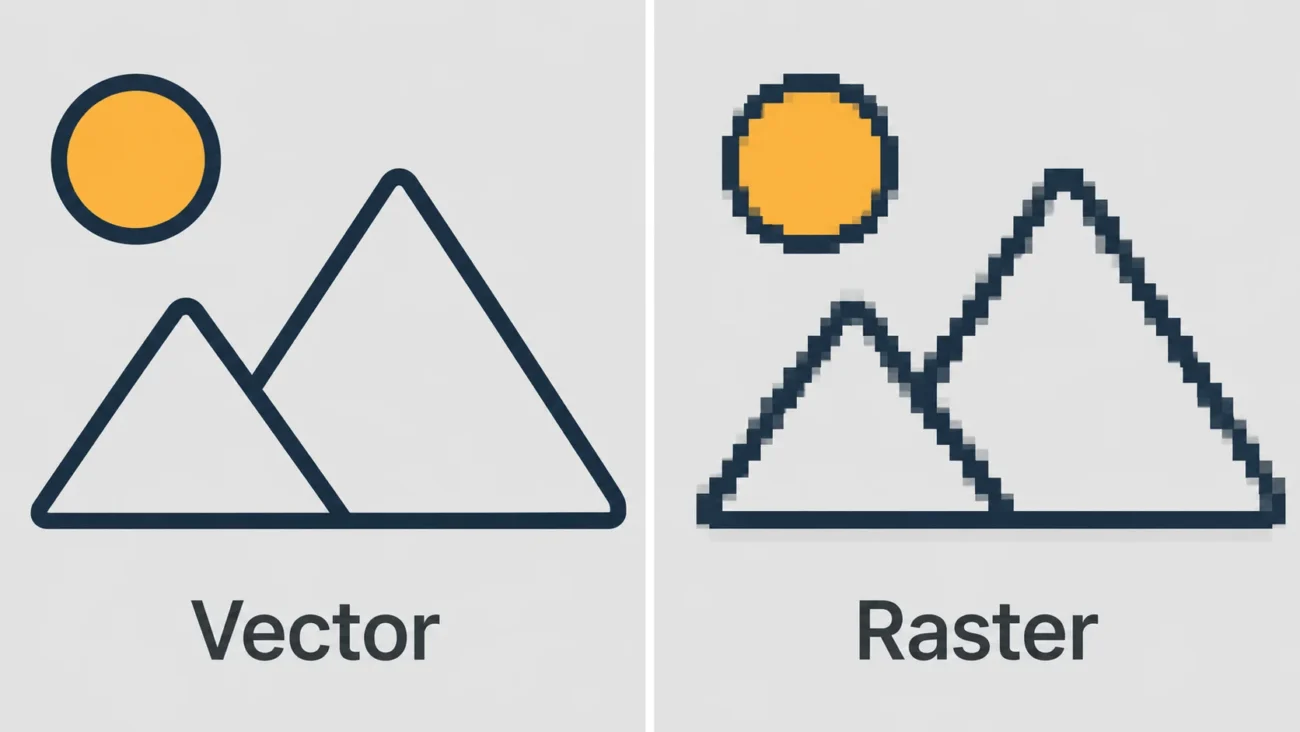
An SVG diagram from Claude is made of editable shapes and text, so it stays sharp at any size and can be tweaked by changing the underlying code. A raster image from a tool like DALL-E or Midjourney is a fixed grid of pixels; resizing it too far makes it blurry, and changing one detail usually means generating the whole image again. For data visuals, flowcharts, and UI mockups, the SVG approach is often the more practical one, even though it isn’t a photograph.
What this Means for your Workflow
If the deliverable is a chart, a process diagram, or a clean UI mockup, ask Claude directly and skip the extra tools. If the deliverable is a photograph, illustration, or piece of art, plan for a second tool from the start, either through a connector or a separate image generator, and use Claude to handle the thinking and the prompt.
FAQ‘S
1. Can Claude generate a photo from a text prompt?
No. Claude cannot produce photorealistic images, illustrations, or AI art directly from a prompt. It can create SVG or HTML visuals like diagrams and charts, and it can analyze images you upload.
2. Does Claude have anything like DALL-E or Midjourney built in?
Not natively. Some setups connect Claude to an external image model through MCP, but the image itself still comes from that outside model, not from Claude.
3. Is Claude Design the same as image generation?
No. Claude Design builds slides, prototypes, and marketing layouts using text, layout, and brand assets. It doesn’t generate photographs or illustrations.
4. Can Claude edit a photo I upload?
Claude can analyze and describe an uploaded photo in detail, but it cannot edit or transform the pixels of that photo into a new image.
5. Will Anthropic add native image generation to Claude?
Anthropic hasn’t announced a native text-to-image model or a release date for one. Anyone who needs a confirmed answer should check Anthropic’s official announcements page directly, since this can change.