
Python best practices are the naming conventions, tooling choices, and workflow habits that keep a codebase readable and easy to change as it grows. They matter less on a fifty-line script and much more once a project has multiple contributors, a test suite, and a release schedule.
This guide covers the habits that hold up in production, not just in a tutorial. It also covers a few things most Python guides skip, like why a plain requirements.txt file quietly causes production bugs and when type hints are worth the extra typing
Follow Pep 8, but Know When to Bend It
PEP 8 is Python’s official style guide, and it sets the baseline most teams build on: four-space indentation, snake_case for functions and variables, CamelCase for classes, and a soft line length around 79 to 99 characters depending on the project.
The point of PEP 8 is not the specific numbers. It is consistency across a codebase, so nobody has to relearn formatting conventions every time they open a new file. A team style guide that deviates from PEP 8 for a good reason, like a longer line limit for a data science project full of pandas method chains, is still a good practice as long as it is written down and applied consistently.
Where PEP 8 gets misused is when developers treat it as optional guidance to argue about in code review. Automating it removes the argument entirely, which is covered later in this article.
Use a Virtual Environment for Every Project
A virtual environment isolates a project’s dependencies from the system Python installation and from every other project on the machine. Without one, installing a package for Project A can silently break Project B if they need different versions of the same library.
Python’s built-in venv module handles this for most projects with no extra installation. Create one per project, activate it before installing anything, and add the environment folder to .gitignore so it never gets committed.
Newer tools like uv, built by the Astral team behind Ruff, do the same job faster by resolving and installing packages in a fraction of the time a plain pip install takes. The workflow is the same either way: one isolated environment per project, activated before any dependency work.
Manage Dependencies With a Lock File, Not Just a Requirements List
This is where a lot of otherwise careful teams still get burned. A requirements.txt file that lists packages without pinned versions, like requests or flask, will install different versions on different machines depending on what happens to be newest that day. That difference is a common source of “it works on my machine” bugs that never show up until deployment.
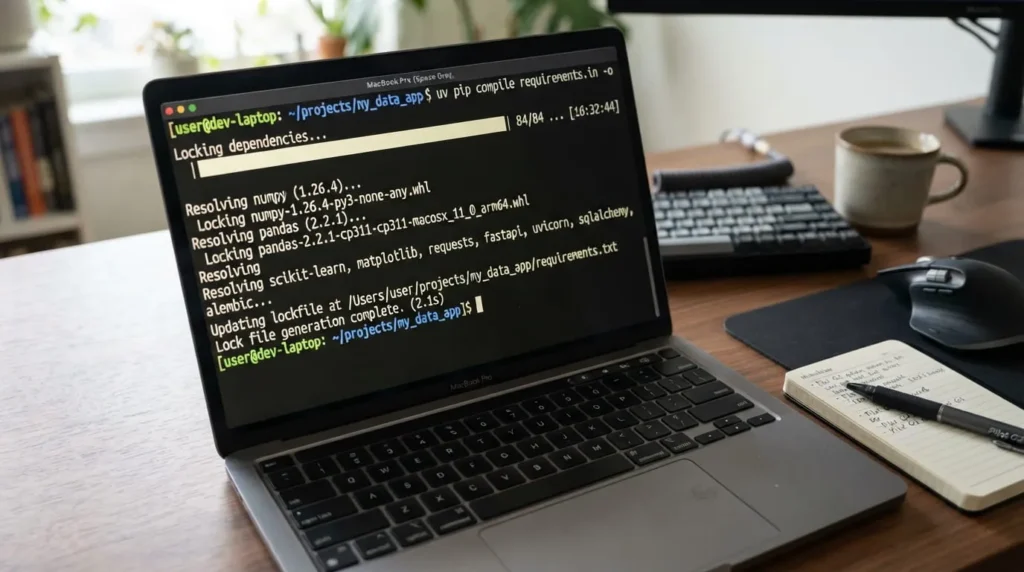
The fix is a lock file that pins exact versions and their dependencies, generated by a tool built for the job. pip-tools, Poetry, and uv all generate a lock file from a looser list of top-level dependencies, so the file a developer edits by hand stays readable while the file that actually gets installed is fully pinned.

Add Type Hints Where They Earn Their Keep
Python’s type hints, introduced in PEP 484, let a function signature declare the types it expects and returns without changing how the code runs at all. Paired with a checker like mypy or Pyright, they catch a category of bugs, like passing a string where a function expects a list, before the code ever runs.
Type hints pay off most on public functions, shared utility modules, and anything another developer will call without reading the implementation first. They pay off least on short, throwaway scripts where the extra syntax adds friction without much benefit.
Gradual typing is the practical middle ground. Add hints to the parts of a codebase that change often or get reused widely, and leave quick internal scripts untyped rather than chasing full coverage everywhere at once.
Write Docstrings That Explain the Why, Not Just the What
A docstring that restates the function name in sentence form adds nothing a reader could not already guess. def calculate_tax(income): “Calculates the tax.” tells nobody anything useful.
A docstring earns its place when it explains something the code itself does not make obvious: the assumptions behind a formula, the source of a business rule, or the reason a function handles an edge case in a particular way. The Google and NumPy docstring formats both work well for this as long as a project picks one and sticks with it.
Avoid a Few Common Pitfalls
Some Python bugs show up so often across different codebases that they are worth naming directly
Mutable Default Arguments
A default argument value in Python is created once, when the function is defined, not each time the function runs. Writing def add_item(item, cart=[]) means every call that skips the cart argument shares the exact same list, and items from one call quietly show up in the next.
The fix is a default of None, followed by an if statement inside the function that creates a new list when none was passed in.
Catching Bare Exceptions
Writing a bare except: catches everything, including KeyboardInterrupt and SystemExit, and it hides the actual error that caused the failure. Catching a specific exception type, like except ValueError:, keeps the code able to fail loudly for problems it was not written to handle.
Structure a Project So It Can Grow
A flat folder of Python files works fine for a script but breaks down once a project needs packaging, tests, and separate configuration. The src layout, where application code lives inside a src/ folder separate from the tests and project metadata, is the structure recommended by the Python Packaging Authority for anything meant to be installed or distributed.
A typical layout separates the source package, a tests folder mirroring its structure, a pyproject.toml file for build and dependency metadata, and a README at the project root. Consistency here matters more than the exact layout, since it lets a new contributor find things without asking.
Automate Formatting and Linting
Manually enforcing style in code review wastes reviewer time on things a tool can catch instantly. Black formats code automatically and removes formatting debates entirely, since it applies one consistent style with almost no configuration options to argue about.
Ruff, also from Astral, combines the job of several older linting tools into one fast checker that catches unused imports, undefined names, and dozens of other issues in milliseconds. Running both as a pre-commit hook means style and common errors get caught before code is even committed, not during review.
Test Early, Even if the Suite Stays Small
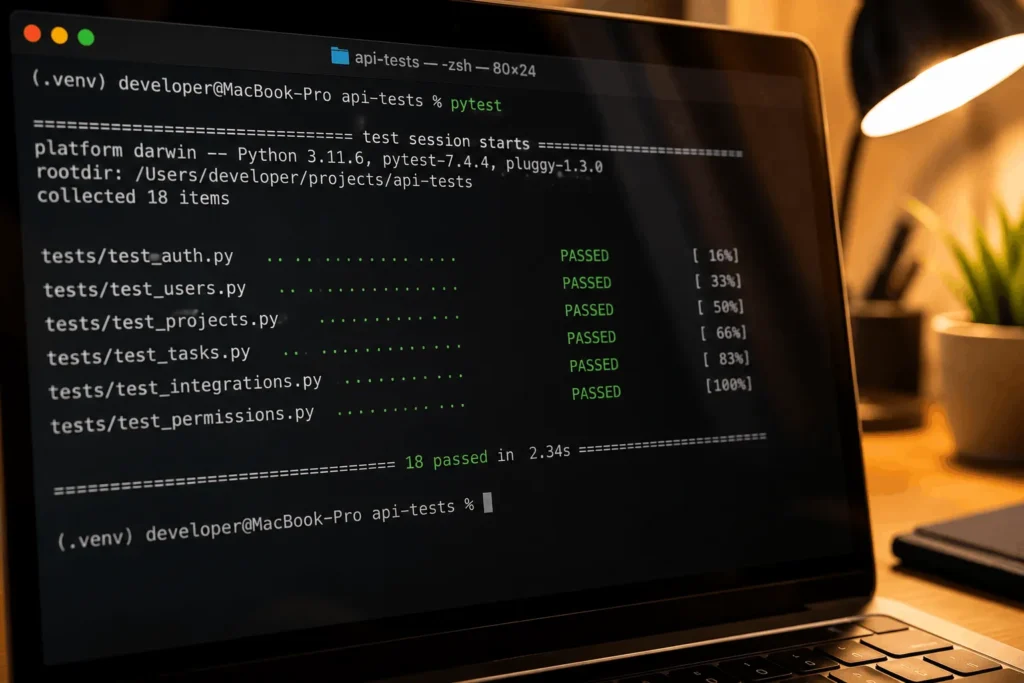
Pytest is the de facto standard test framework in the Python ecosystem, and it needs almost no boilerplate. A test is just a function starting with test_ that uses a plain assert statement.
Testing does not need full coverage from day one. Starting with tests around the functions most likely to break, like anything doing date math, currency conversion, or parsing external input, catches the bugs that actually cost the most time later.
Keep Functions Small and Focused on One Job
A function that fetches data, transforms it, and writes it to a file is hard to test and hard to reuse, because testing any one part means running all three. Splitting it into a fetch function, a transform function, and a write function makes each piece testable on its own and reusable somewhere else later.
There is no strict line-count rule here, and chasing one leads to arbitrary splits that hurt readability more than they help. A more useful check is whether a function’s name can describe what it does without the word “and.” If a function is named fetch_and_transform_data, it is doing two jobs and should probably be two functions.
This also makes debugging faster. A stack trace pointing to a ten-line function that does one thing is far easier to reason about than one pointing into the middle of a hundred-line function doing five things at once.
Use F-Strings for Readable String Formatting
Python has accumulated several ways to build strings over the years: the % operator, str.format(), and f-strings introduced in Python 3.6. F-strings are now the standard choice for new code, since they read left to right in the same order the output will appear and they support inline expressions directly inside the braces.
f”Order {order_id} shipped to {customer.city}” is easier to scan than the equivalent str.format() call, and it runs faster too, since the interpreter evaluates it at parse time rather than through a separate formatting call. The older methods still work and still show up in older codebases, but new code has little reason to reach for them.
Log Instead of Print for Anything That Matters
The print function is fine for a quick debugging check, but it has no severity levels, no timestamps, and no way to turn it off without deleting the line. The built-in logging module solves all three, with levels from DEBUG through CRITICAL and configurable output that can go to a file, the console, or both.
Setting a logger up once at the start of a project, rather than reaching for print statements as problems come up, means the same logging calls that helped during development are still there and useful once the code is running somewhere nobody is watching a terminal.